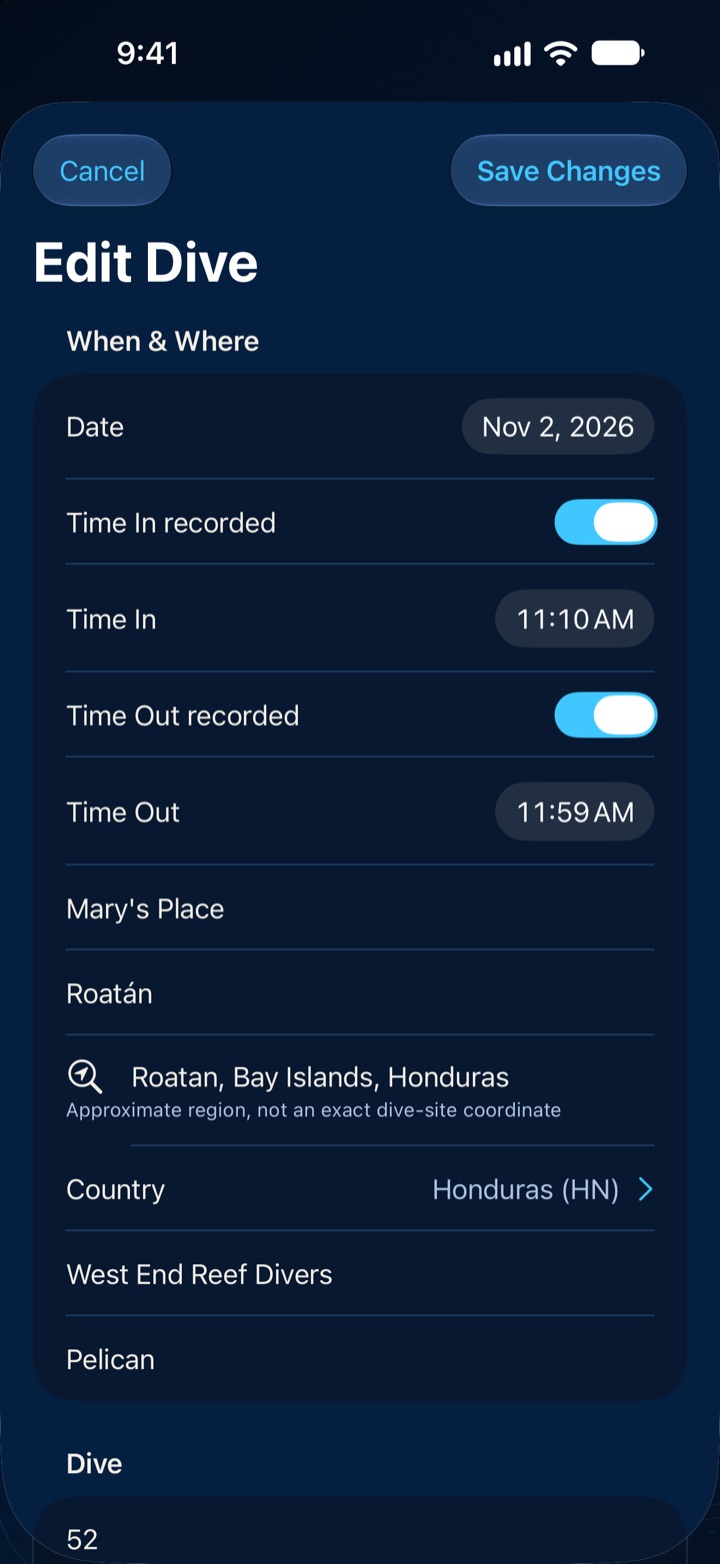
When & where
Date, time in and out, site, area, country, operator and boat. Reuse the sites you’ve already logged.
Diver’s Log is a modern scuba logbook for iPhone, iPad, Mac, Apple TV, Apple Vision Pro and Apple Watch. Record each dive in rich detail, see it drawn as a traditional logbook worksheet, bring your paper-log history forward, and keep certifications, gear and signatures in one private place.
Version 2.0 · Coming soon to the App Store
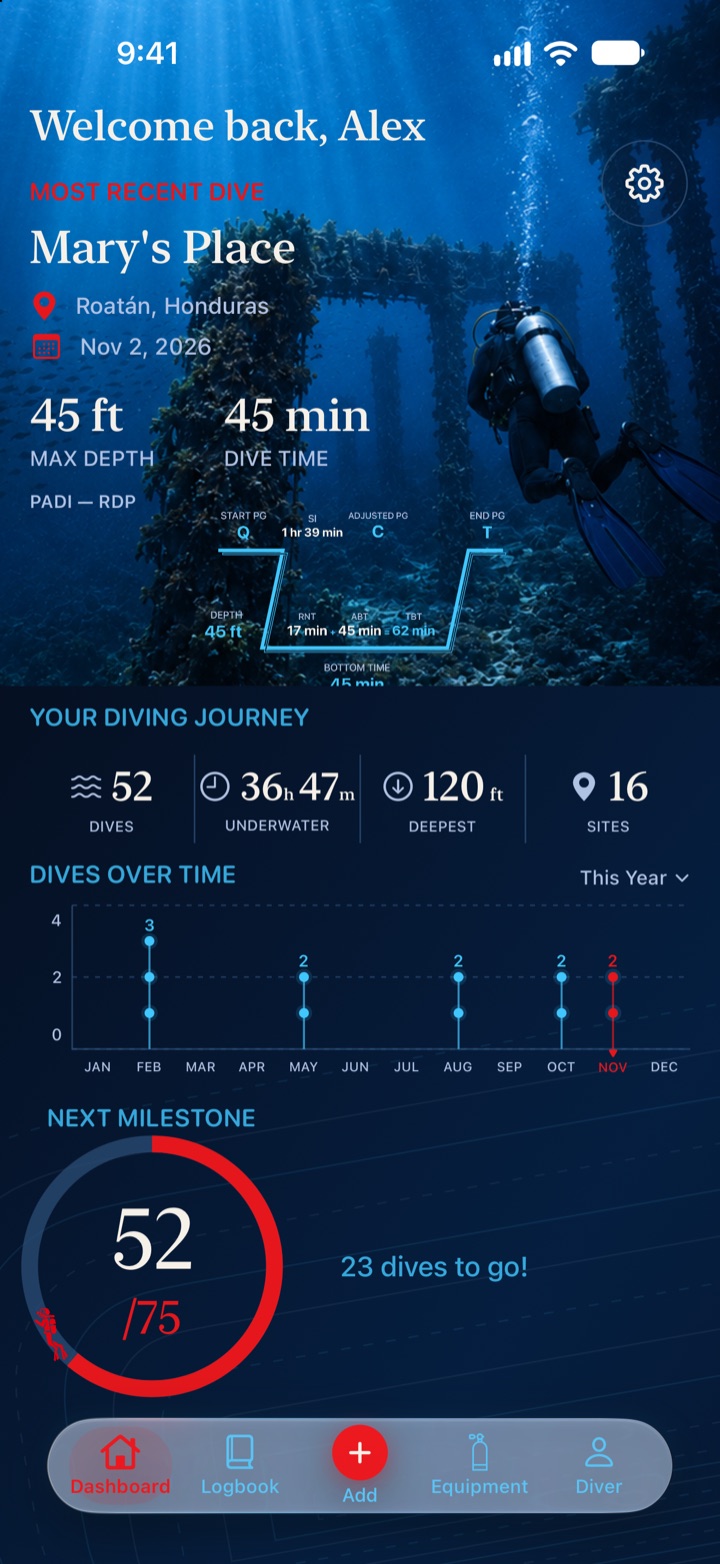
From the Dashboard to a signed dive in about 25 seconds, on iPhone with a sample logbook.
Real app screens with a fictional sample logbook. No sound.
Log as much or as little as you like. Every detail is structured, so your logbook can be searched, filtered and totaled, not just read.
Date, time in and out, site, area, country, operator and boat. Reuse the sites you’ve already logged.
Maximum and average depth, bottom time, dive number, and up to six depth levels for a multilevel dive.
Oxygen percentage, cylinder size, and start and end pressure for you and your buddy.
Body of water, water and surface temperature, visibility, current, weather, surf and tides.
Suit type and thickness, hood, gloves, boots, and the weight you carried.
A saved gear configuration plus the individual items you used on the dive.
Your buddy and your role, from student to instructor. Training dives keep the course, instructor, and the checks and skills you practiced.
Wildlife you saw, anything that went wrong, notes, private notes and tags.
Plus 22 dive types, such as boat, wreck, night, drift and nitrox, and 14 dive purposes, from recreational to scientific.
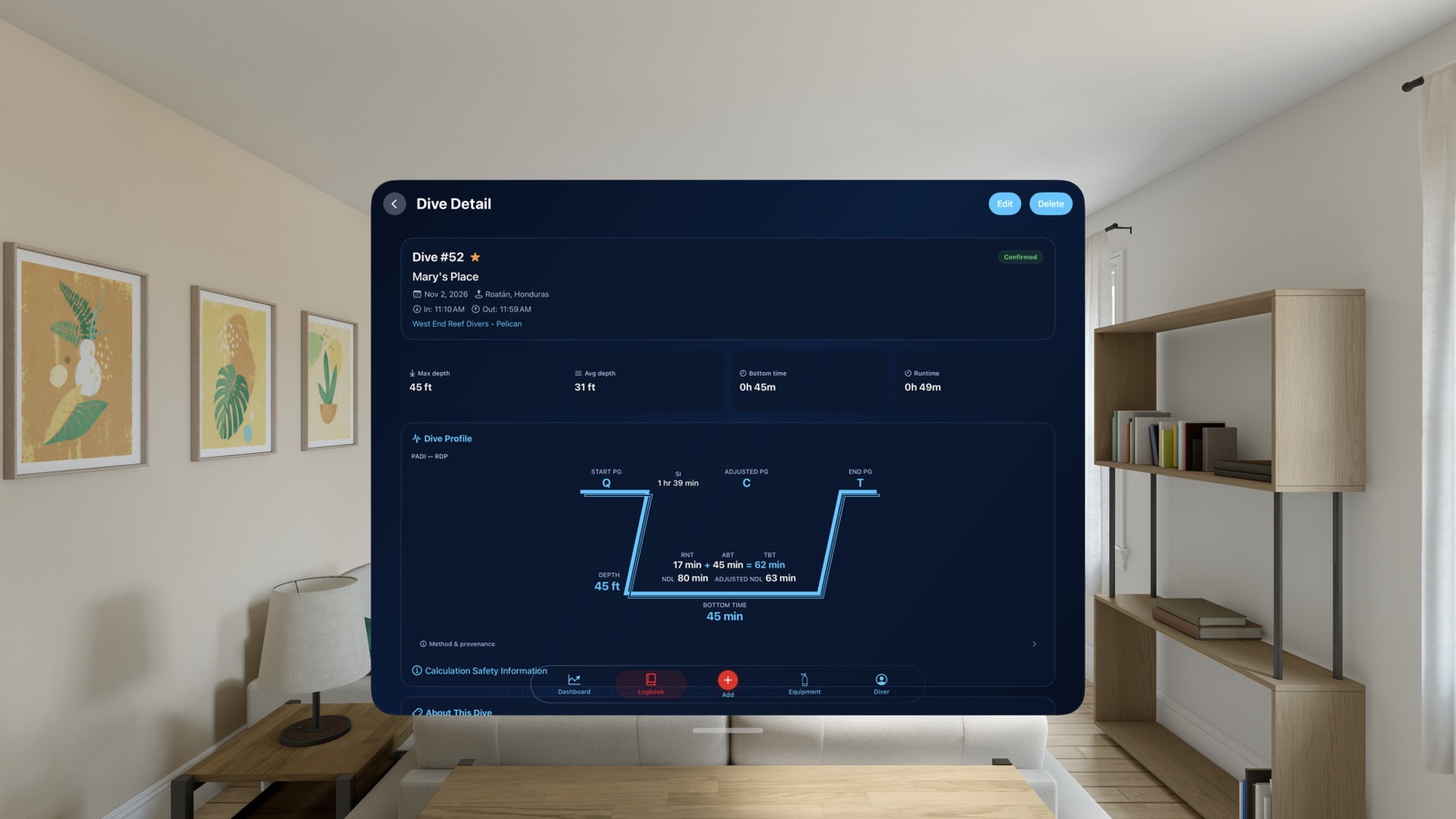
Diver’s Log turns your depths and times into the profile worksheet divers have drawn in paper logs for decades, calculated with the method you trained on.
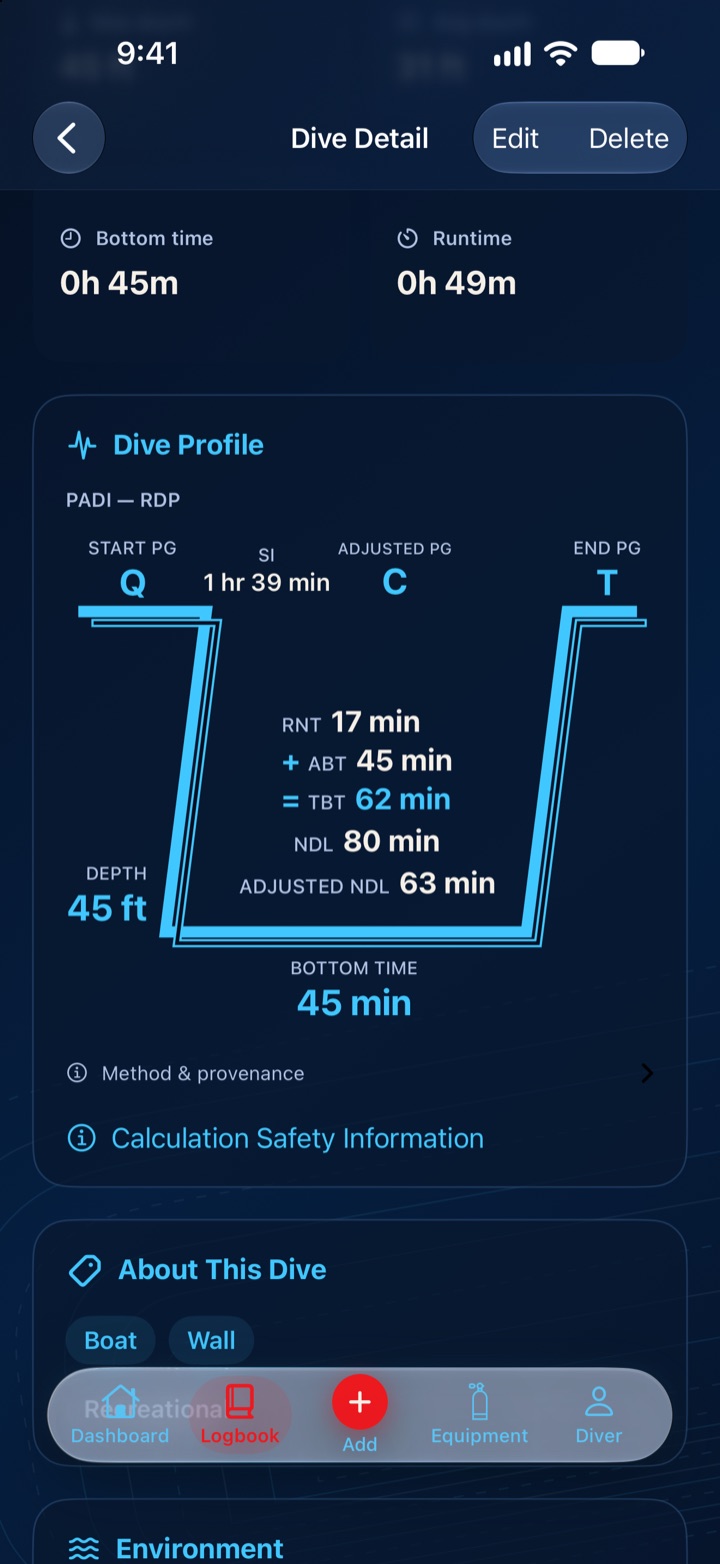
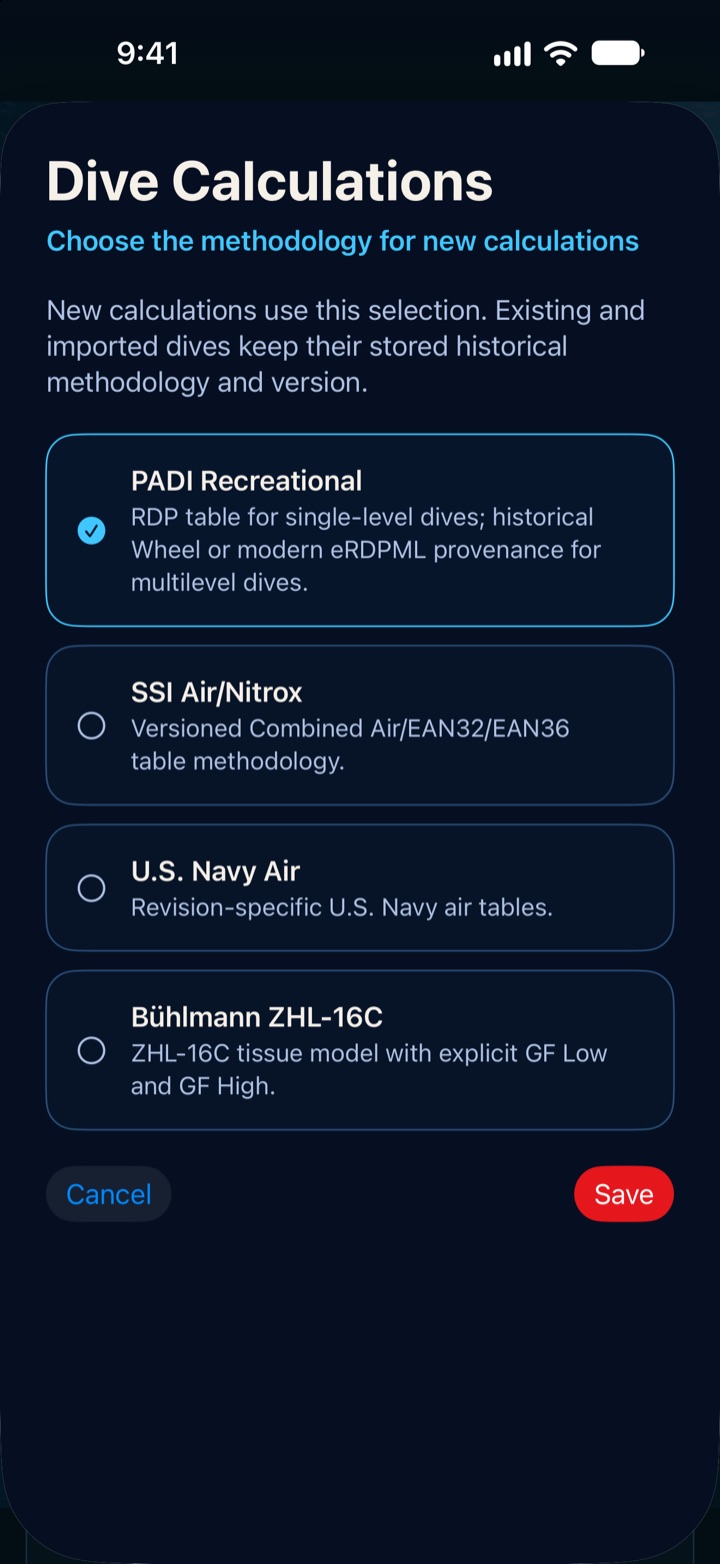
Choose a method in Settings. For historical dives, Diver’s Log can match the certifications you held on the dive date, and you can always correct it.
Table calculations for single-level dives.
Multilevel dives as the Wheel worked them out, for historical logs.
Multilevel dives with the electronic RDP’s lookup values.
SSI’s combined air, EAN32 and EAN36 table methodology.
Revision-specific U.S. Navy air table schedules.
The ZHL-16C tissue model with the gradient factors you set. Diver’s Log doesn’t invent a default.
Calculations are provided for education, historical reconstruction and logbook reference. Diver’s Log is not a dive computer and does not replace formal dive planning with your training, tables or dive computer. You acknowledge this once before calculated profiles appear.
Years of dives live in paper logbooks. Enter them as historical dives and Diver’s Log rebuilds each worksheet the way it would have been worked out at the time.
Mark a dive as a historical reconstruction. The method comes from the dive itself, or from the certifications you held on that date.
Record the bottom time for that date and your total to date as written in your log, or let Diver’s Log add them up from your dives.
Link a dive to the one before it and its surface interval, so repetitive-dive values carry forward.
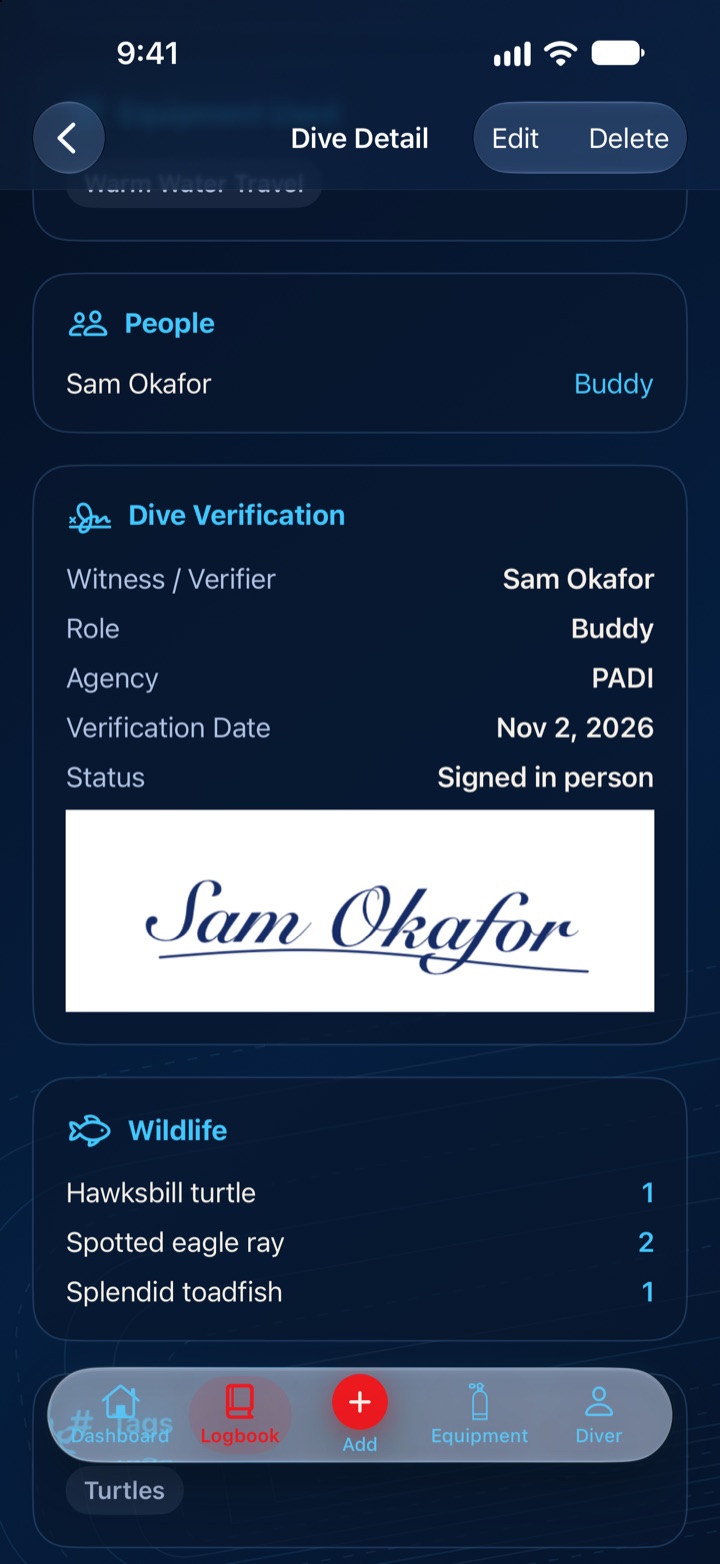
Add as many verifiers to a dive as you need, such as a buddy, a divemaster or your instructor, each with a name, role, agency, number and date.
Hand over your device and have them sign right on the screen. Available everywhere except Apple TV.
Add a picture of a signature from your paper log. It’s labeled as historical evidence, never as a digital verification.
If the signer’s details or the signed dive change later, that verification is marked as changed after signing.
Signed on the device, in person.
An image from an earlier logbook.
A verifier typed in, not signed.
Something changed since it was signed.
Agency, course, number, dates, instructor and training center. Ten common agencies are built in, and you can add any other.
Your gear with manufacturer, model and serial number, plus a service history. Retire items without losing the dives they were used on.
Save reusable setups, like a warm-water travel kit, and add them to a dive in one step.
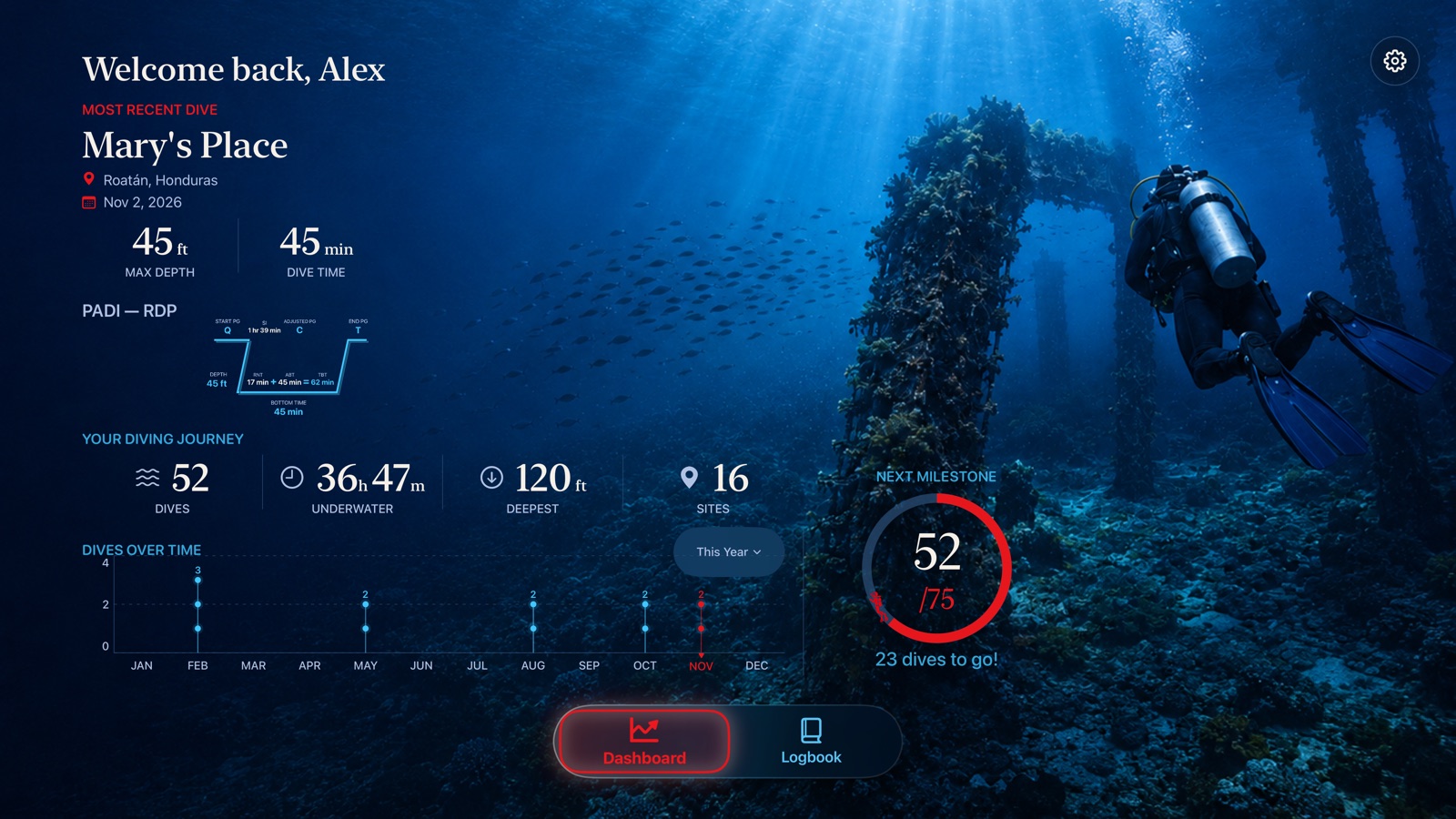
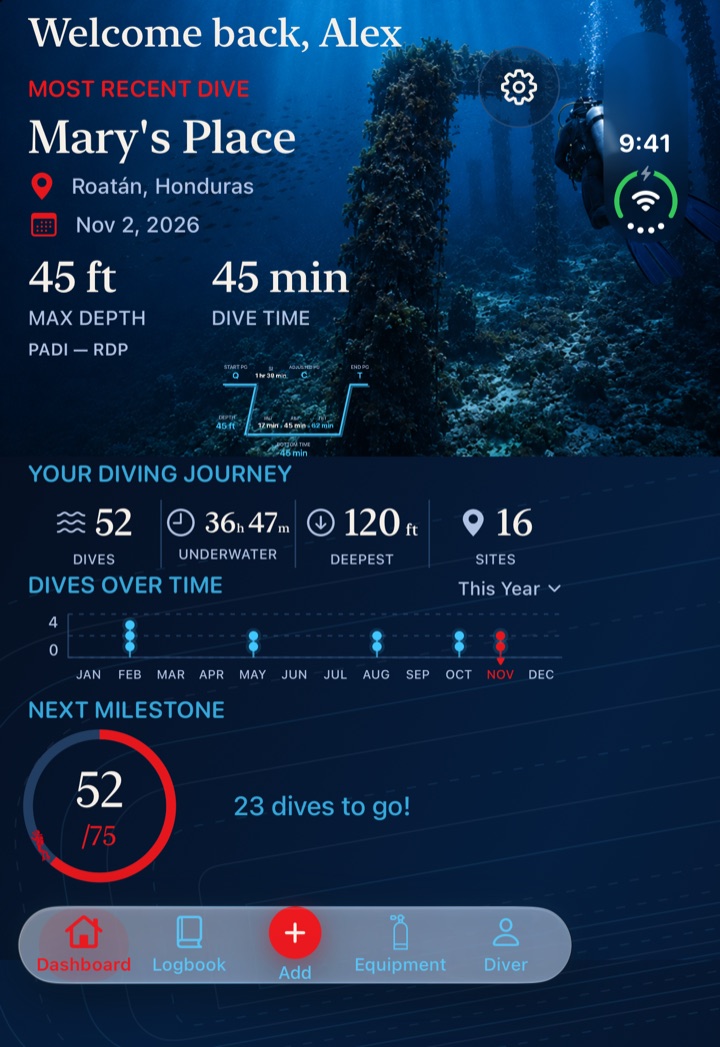
Confirmed dives, bottom time, maximum depth, unique sites, dives over time and your next milestone.
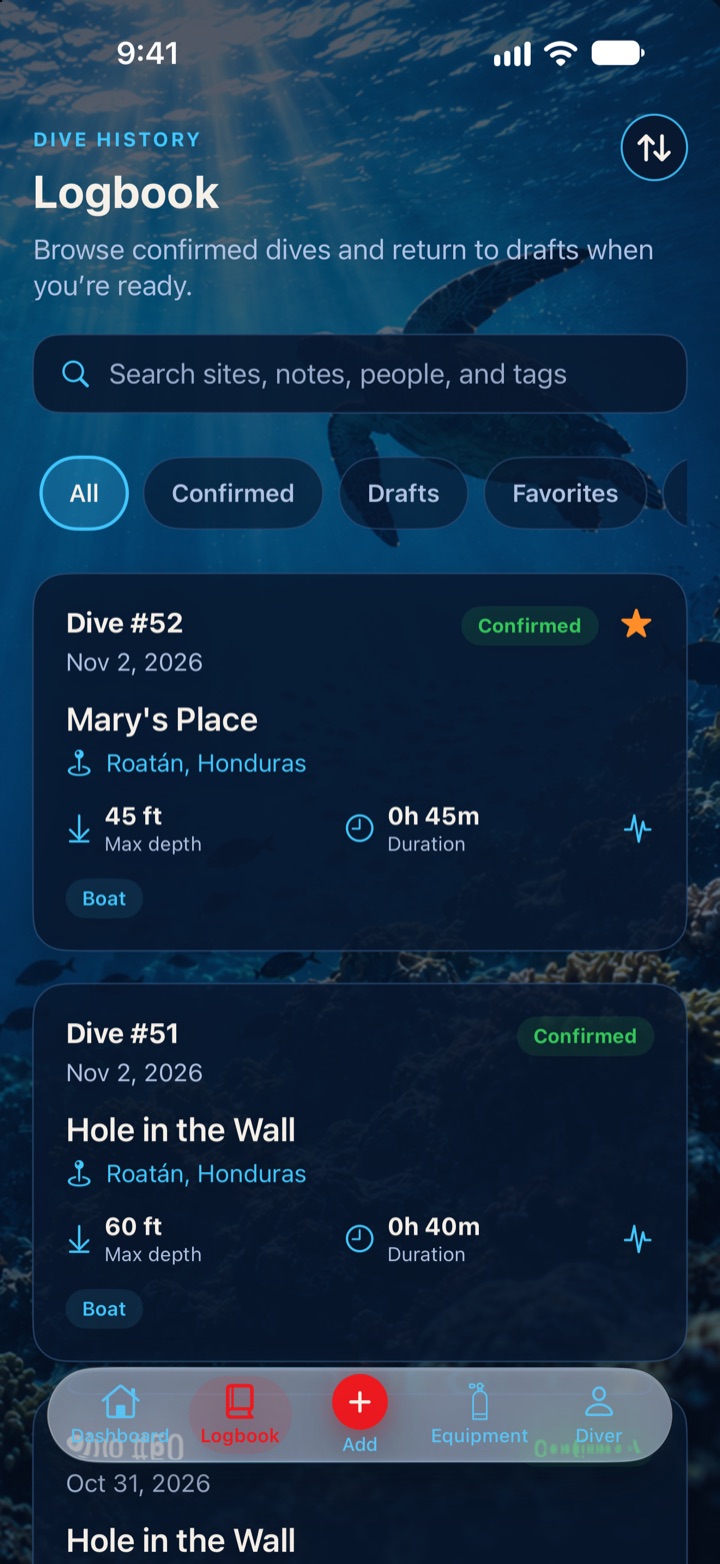
Search, filter and sort every dive. Drafts stay separate until you confirm them.
Link photos and videos from your Photos library to a dive and pick a featured one. They’re linked, not copied.
Diver’s Log keeps your dives on your device and works without a connection. Turn on iCloud sync during setup to keep them in your own private iCloud database, which HELM Coders can’t access.
Captured from Diver’s Log with a fictional sample logbook.
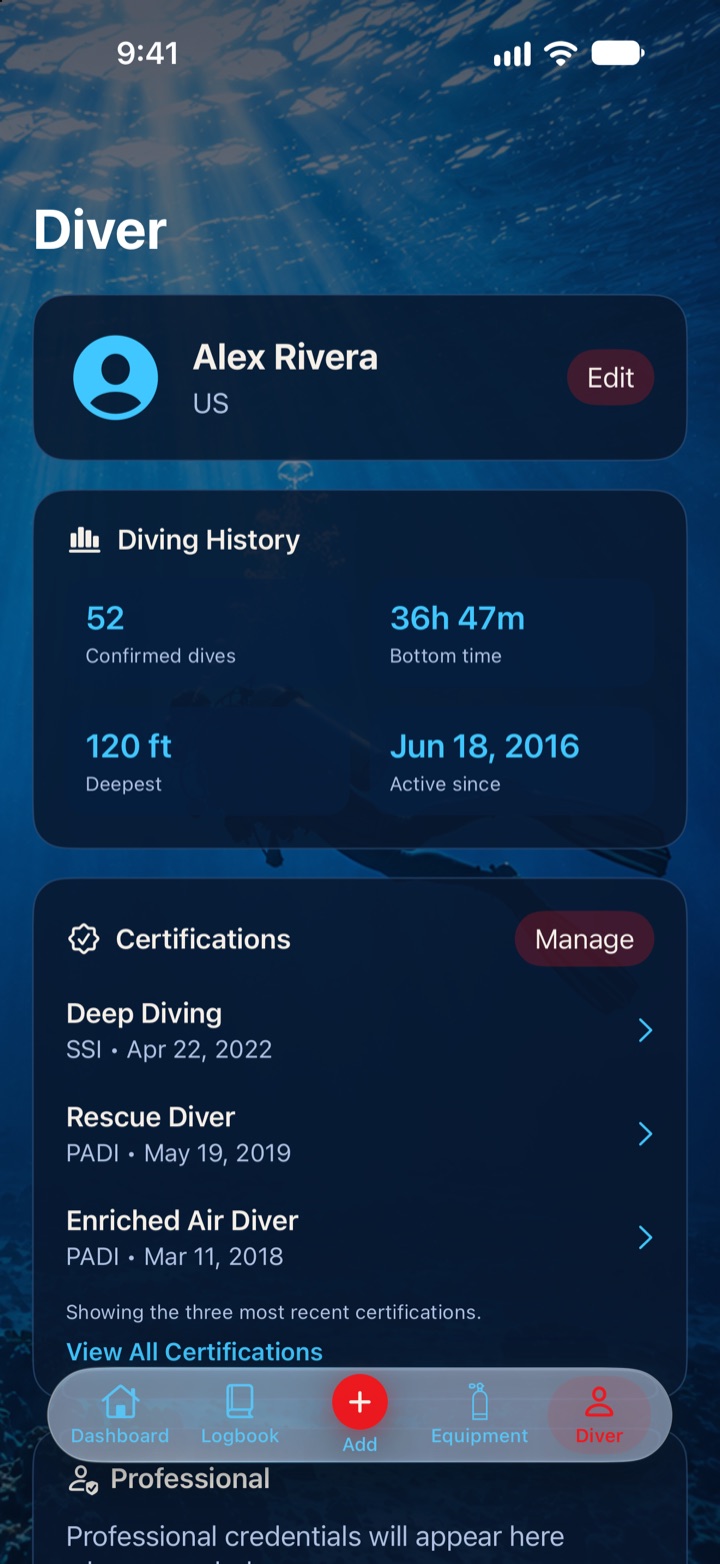
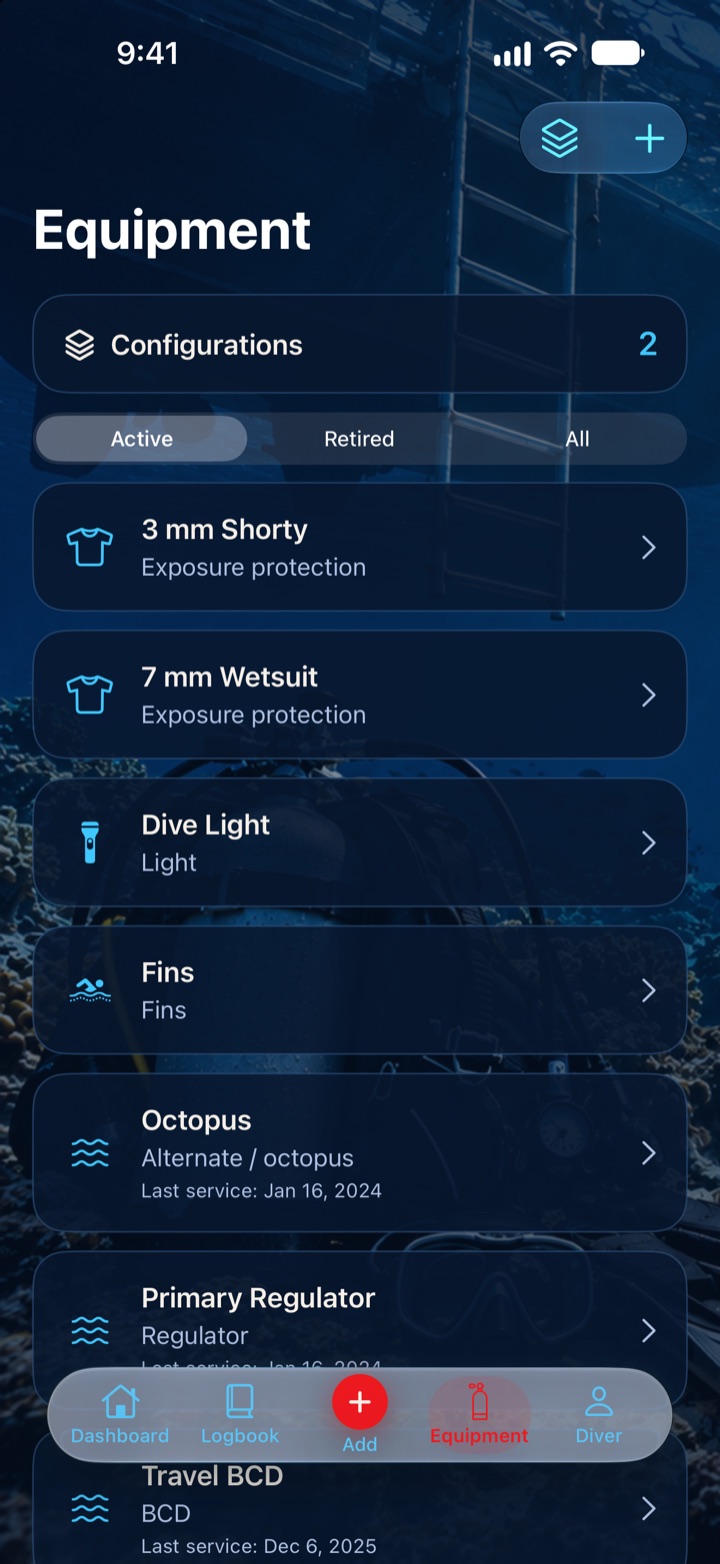
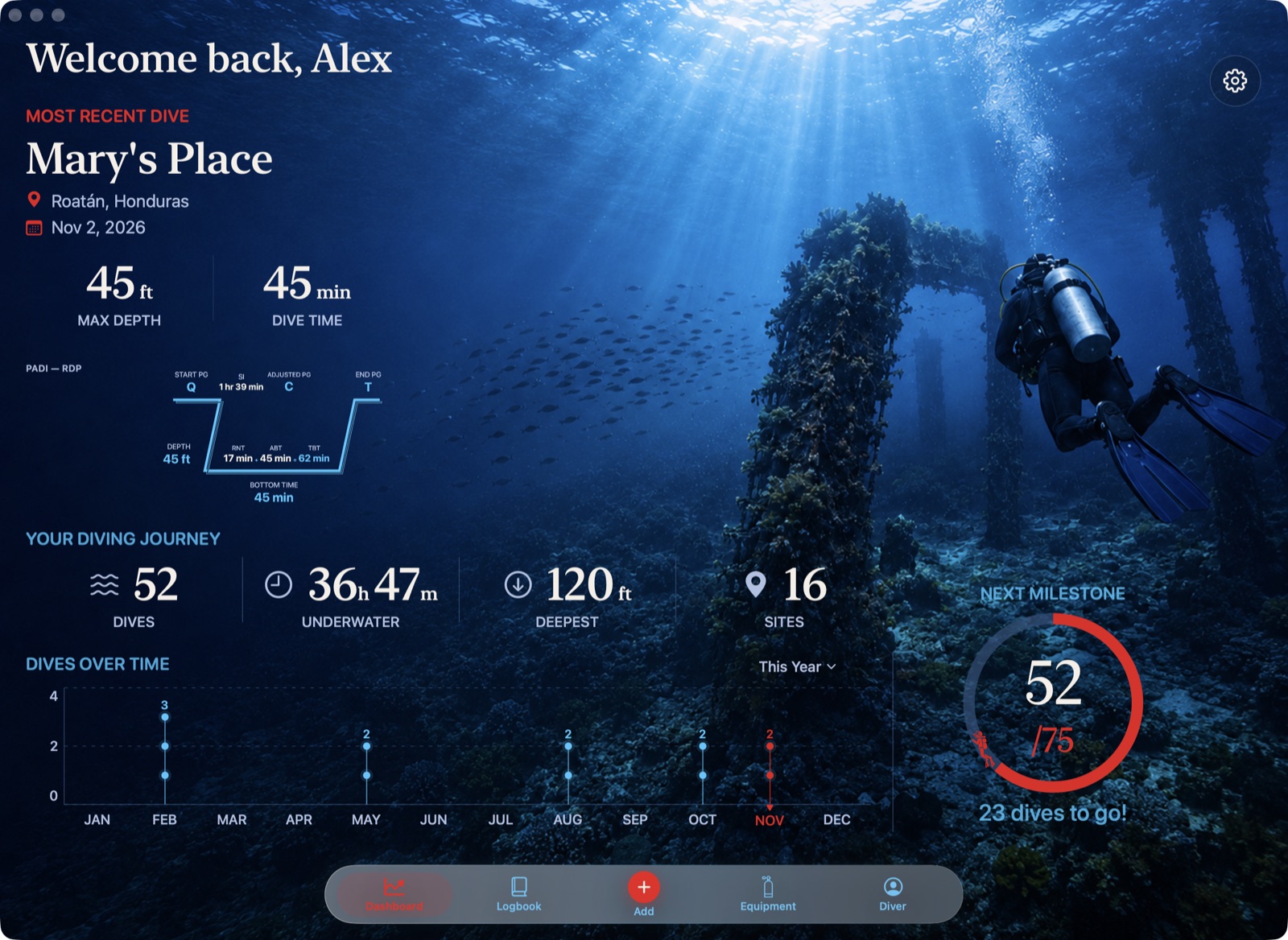
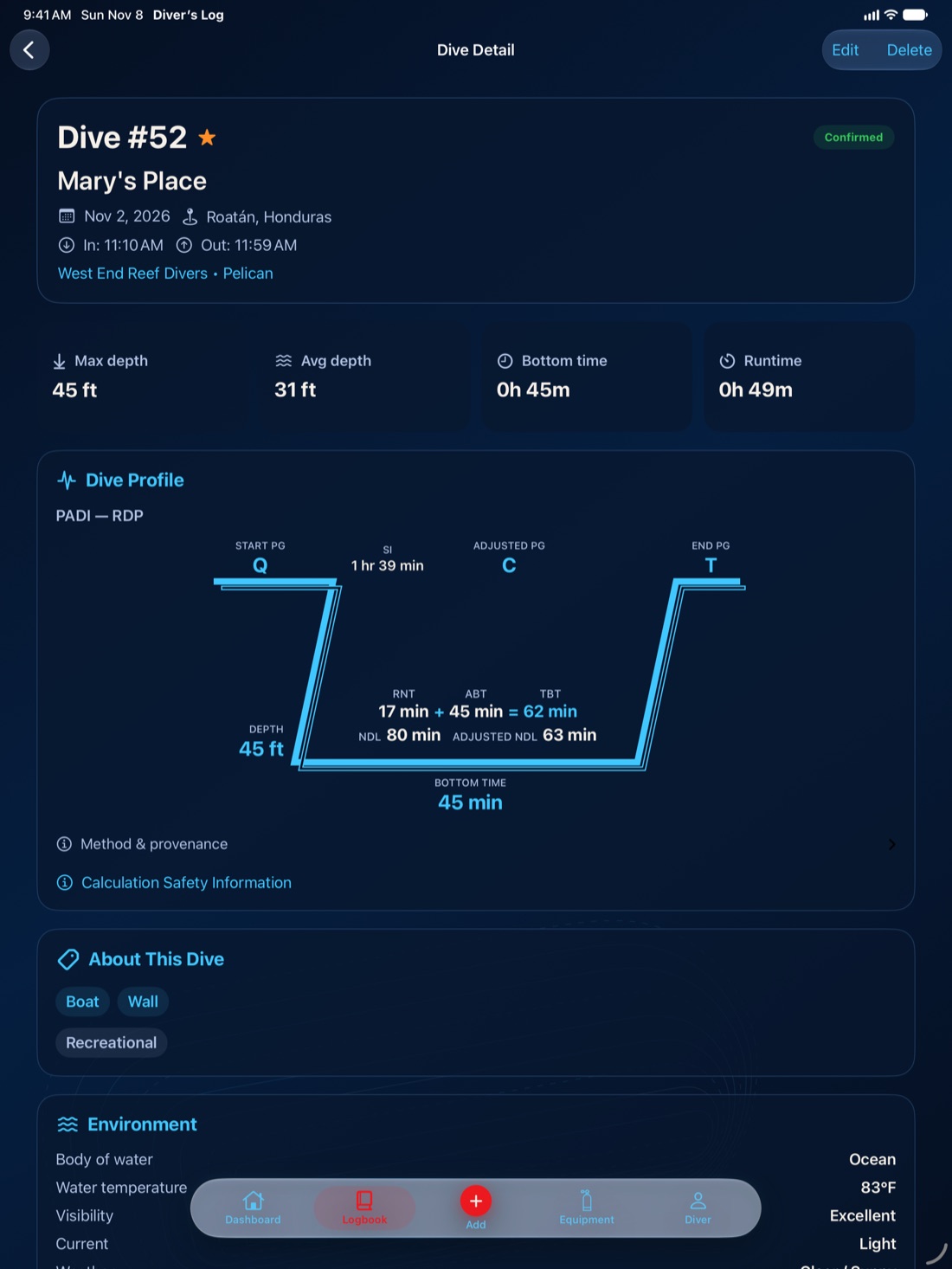
One purchase covers iPhone, iPad, Mac, Apple TV and Apple Vision Pro. The Apple Watch app comes with the iPhone app.
Log, edit and browse your dives anywhere, with or without a connection.
A roomier layout for logging and reviewing dives.
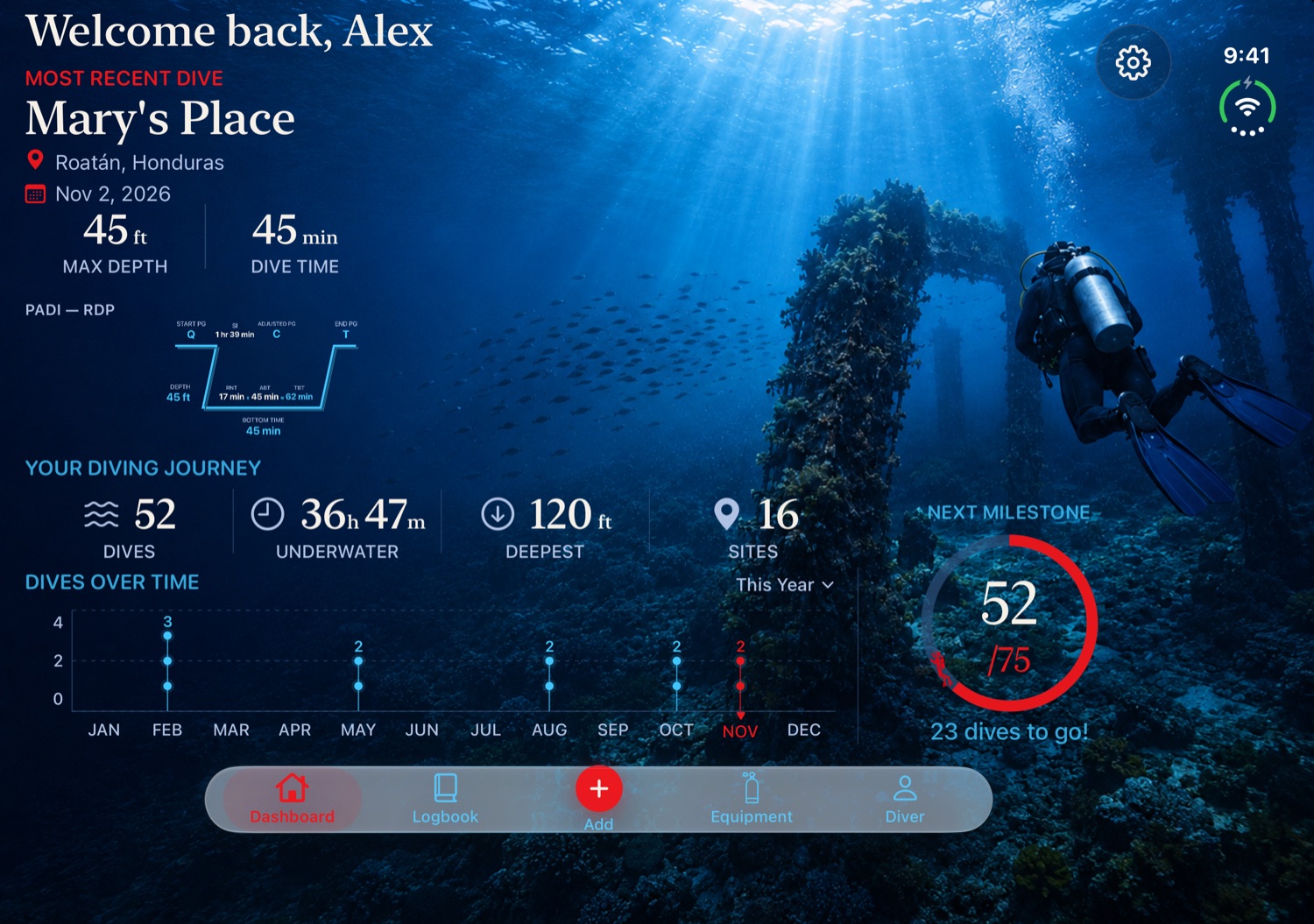
The phone layout when folded and an iPad-style adaptive layout when unfolded.
A desktop logbook with menu commands and keyboard shortcuts for new dives, export and navigation.
Log, browse and edit your dives in a window in your space.
Your Dashboard, Logbook and dive details from iCloud on the big screen, with private notes hidden.
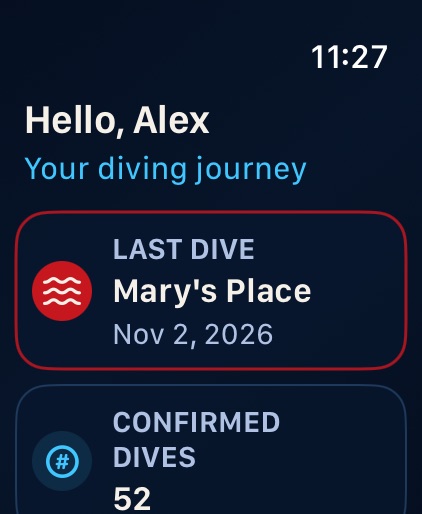
A summary sent from your iPhone: your last dive, totals, deepest dive and next milestone.
Diver’s Log lays itself out for the screen you’re using, so iPhone Duo gets the right layout either way.
FoldedThe same phone layout as iPhone.
UnfoldedAn iPad-style adaptive layout with room to spread out.
Diver’s Log is paid up front. Buy it once and every feature is yours on every supported device.
No. Diver’s Log is a logbook. Its calculations are for education, historical reconstruction and logbook reference, and it does not replace formal dive planning with your training, tables or dive computer.
The PADI Recreational Dive Planner (RDP), the PADI Wheel, PADI eRDPML, SSI Air/Nitrox tables, U.S. Navy air tables, and Bühlmann ZHL-16C with the gradient factors you choose.
Not in this version. You enter dives in the app; there is no dive-computer or file import.
No. Diver’s Log 2.0 is a new app and doesn’t import data from the original Diver’s Log app. You can enter earlier dives as historical dives.
No. You can keep your logbook on this device only, or choose private iCloud sync during setup to use it on your other Apple devices. The choice is made once and can’t be changed later in this version. Apple TV needs iCloud sync.
A read-only view of your Dashboard, Logbook and dive details, synced through iCloud. Notes, private notes, signatures and media aren’t shown on the TV.
No. When you type an area name, that text is sent to Apple Maps to find it. Diver’s Log never asks for your location.
A full JSON backup of every dive, calculation, verification, signature, certification and equipment record, and a CSV dive summary that leaves out private notes, signatures and certification numbers.
Yes. Folded, it uses the phone layout; unfolded, it uses an iPad-style adaptive layout.
No. Diver’s Log is paid up front with one universal purchase. There are no subscriptions, in-app purchases or ads.
Yes. The app is available in English and Spanish.
Questions or problems? Tell us which device and version you’re using.
Get Diver’s Log support →Local-first storage, optional private iCloud sync, and no ads or tracking.
Read the privacy policy →A general-audience dive logbook.
View age suitability →
Diver’s Log 2.0 is coming soon to the App Store for iPhone, iPad, Mac, Apple TV and Apple Vision Pro, with an Apple Watch companion.
PADI, SSI and other agency and product names are trademarks of their respective owners. Diver’s Log is an independent app and is not affiliated with or endorsed by any training agency. Diving involves inherent risk.