Track
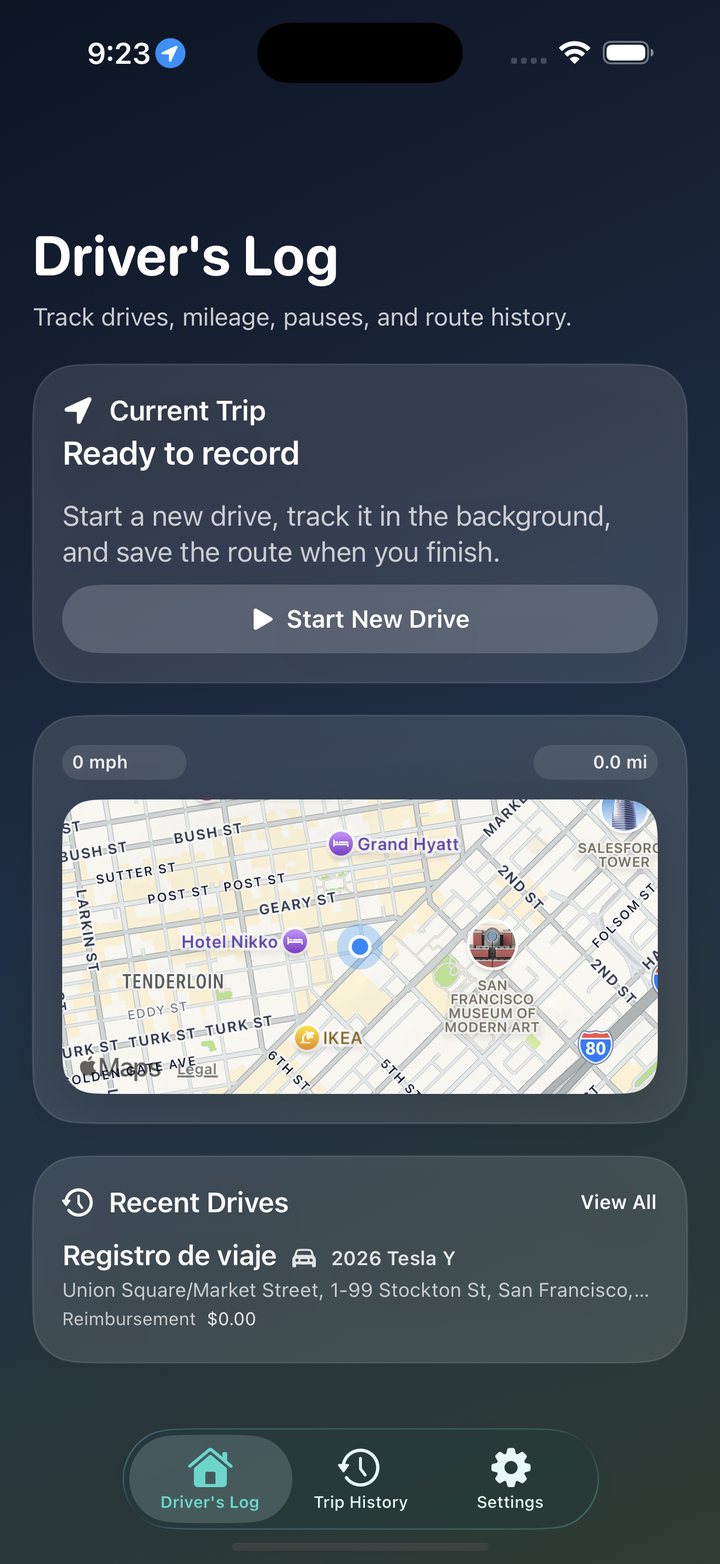
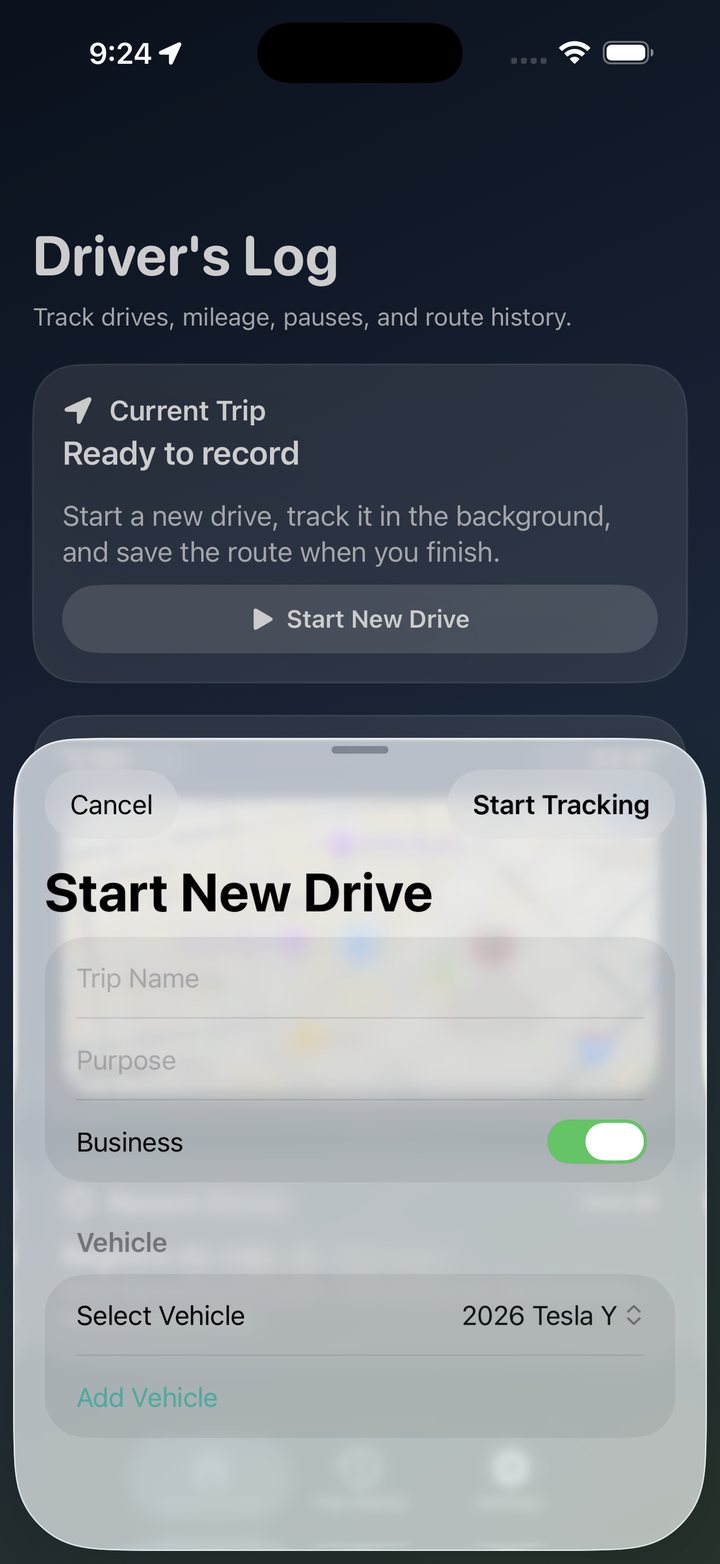
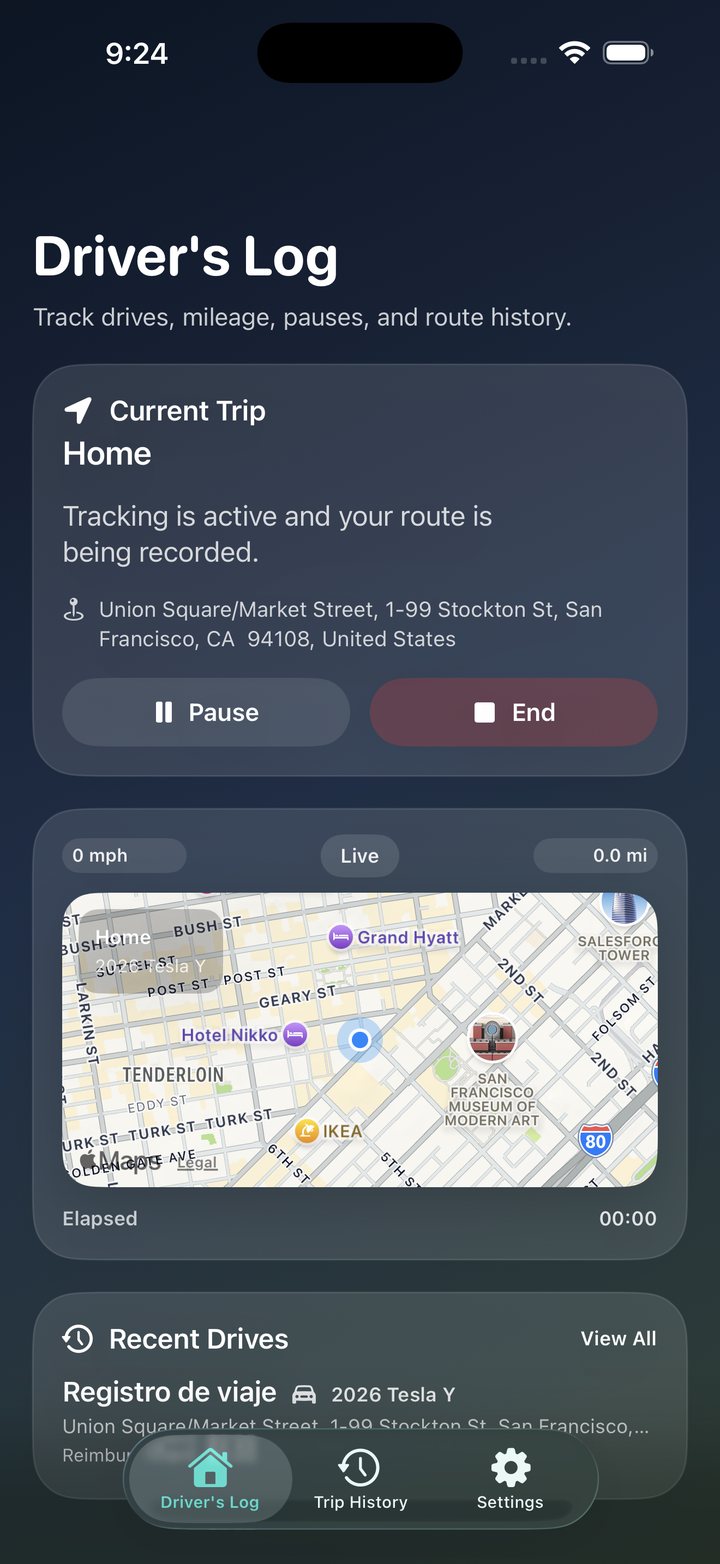
Start a drive from your current location, pause and resume, and capture route points and segment history.

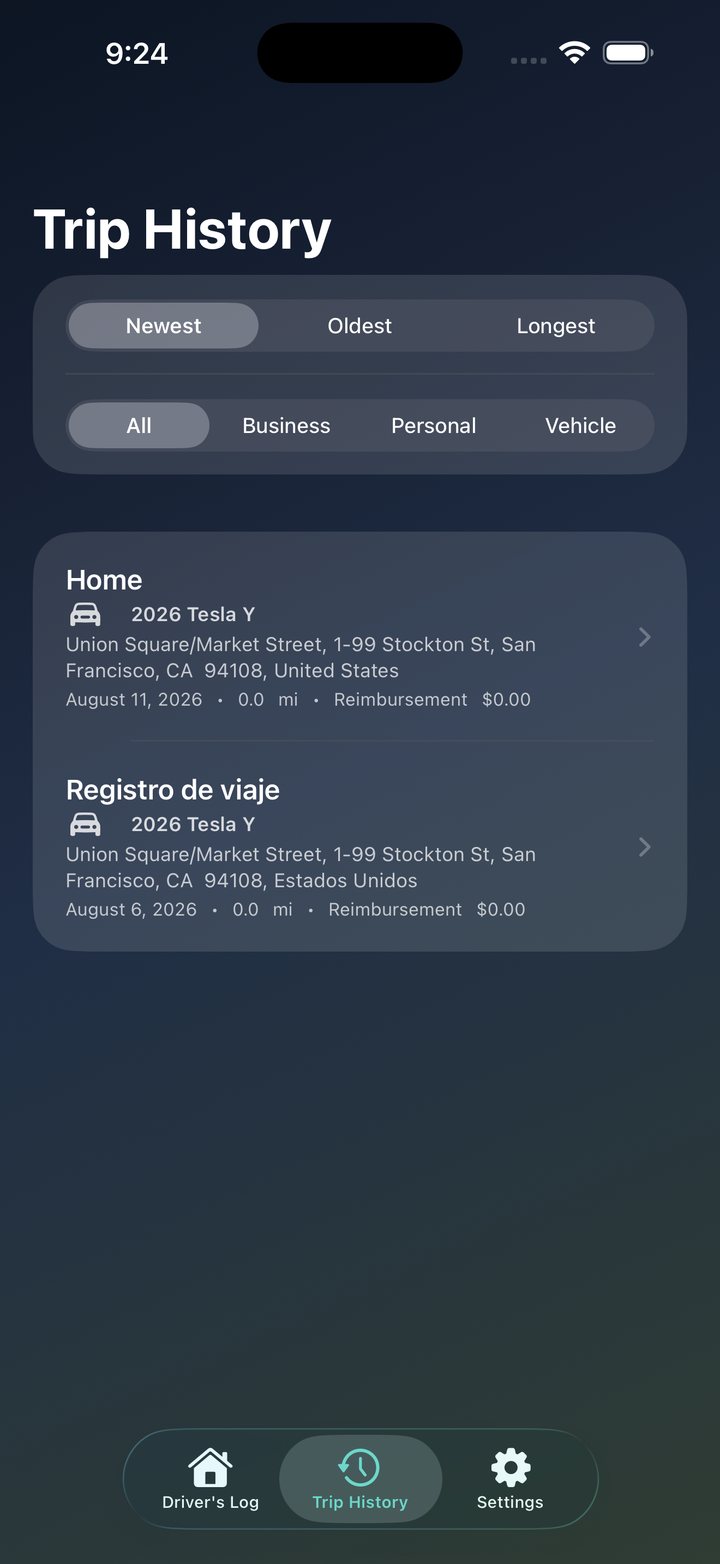
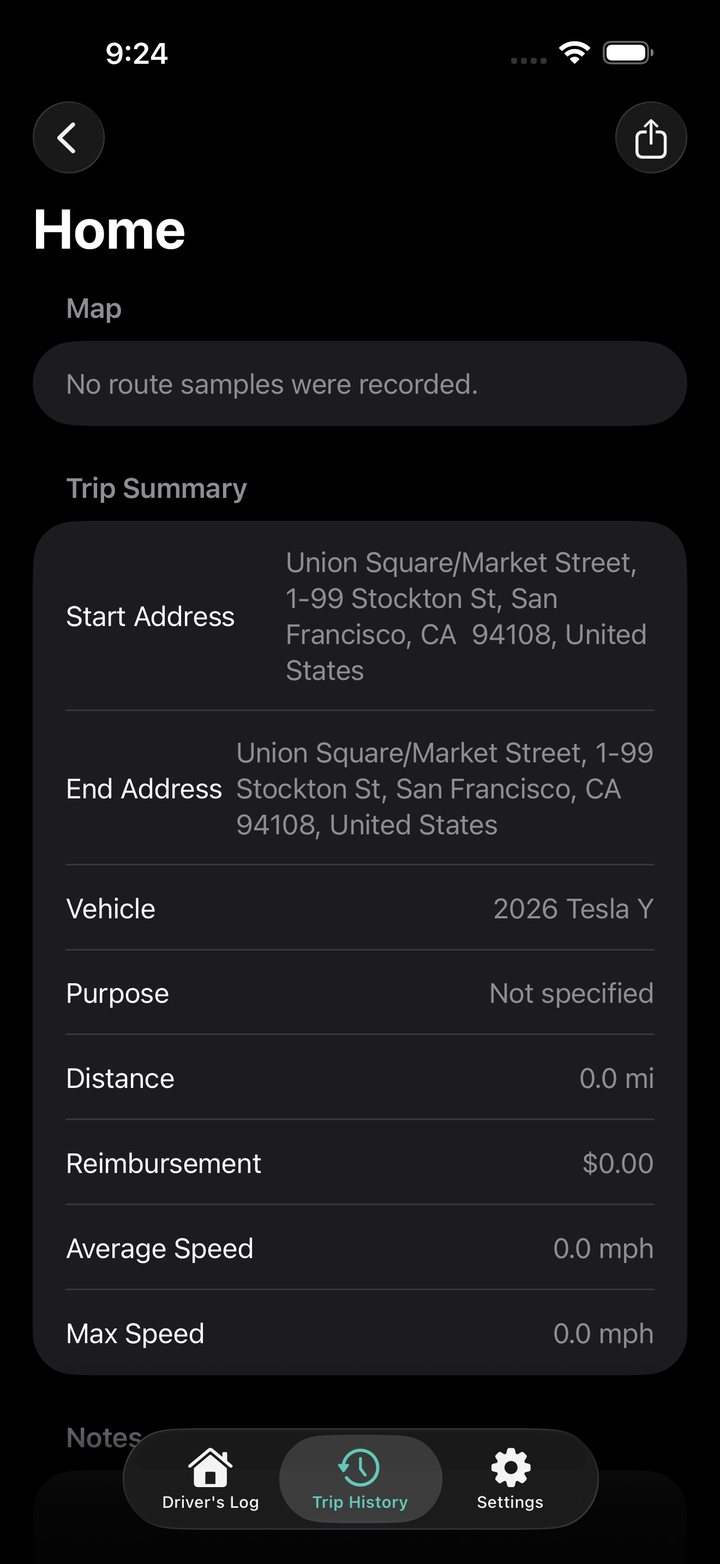
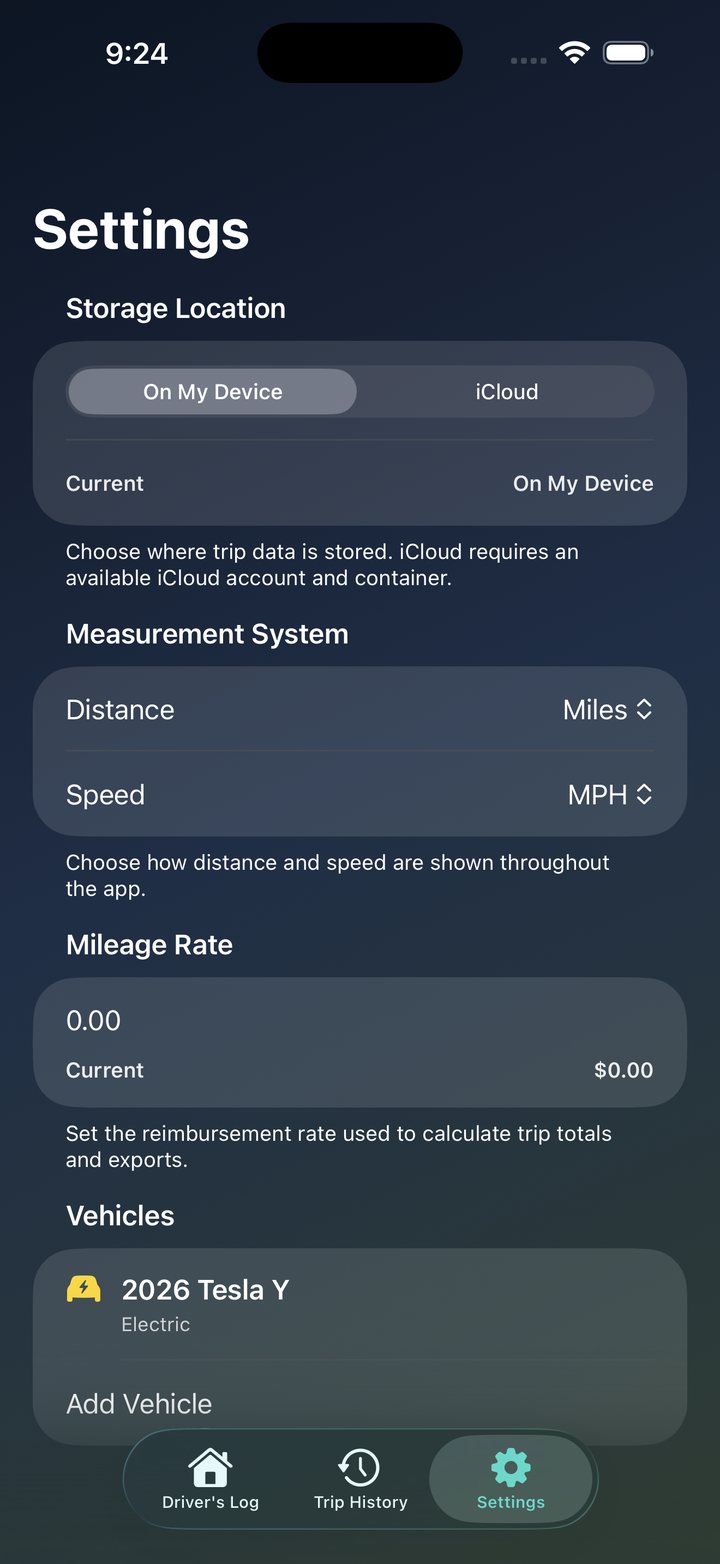
Track drives for work, taxes, or reimbursement with live route capture, trip history, vehicle assignment, notes, tags, History Insights, and clean PDF or CSV exports.
Start a drive from your current location, pause and resume, and capture route points and segment history.
See drive count, total distance, driving time, and reimbursement for the trips in your current filter.
Classify trips, assign vehicles, and keep trip notes and tags available for later review.
Generate PDF or CSV records for reimbursement, bookkeeping, or your own archive.
Drive Register 2.1 makes your trip history more useful with new insights plus compatibility, branding, localization, and reliability improvements.
Summarize drive count, total distance, driving time, and reimbursement for the trips matching your current filters.
Improved compatibility across a wider range of supported iOS versions.
Drive Register branding has been refreshed throughout the app.
Localization, interface, reliability, and compatibility improvements round out version 2.1.
Tell us what happened, which version you’re using, and attach screenshots if helpful.
Get Drive Register support →Location is used to record active drives, including background location while a drive is in progress. Trip data can be stored locally or in the user's private iCloud account.
Read the full privacy policy →Productivity/finance utility with no mature content expected.
View age suitability →