Local-first
Health export files are analyzed on your device; no HELM Coders account or cloud service is required.


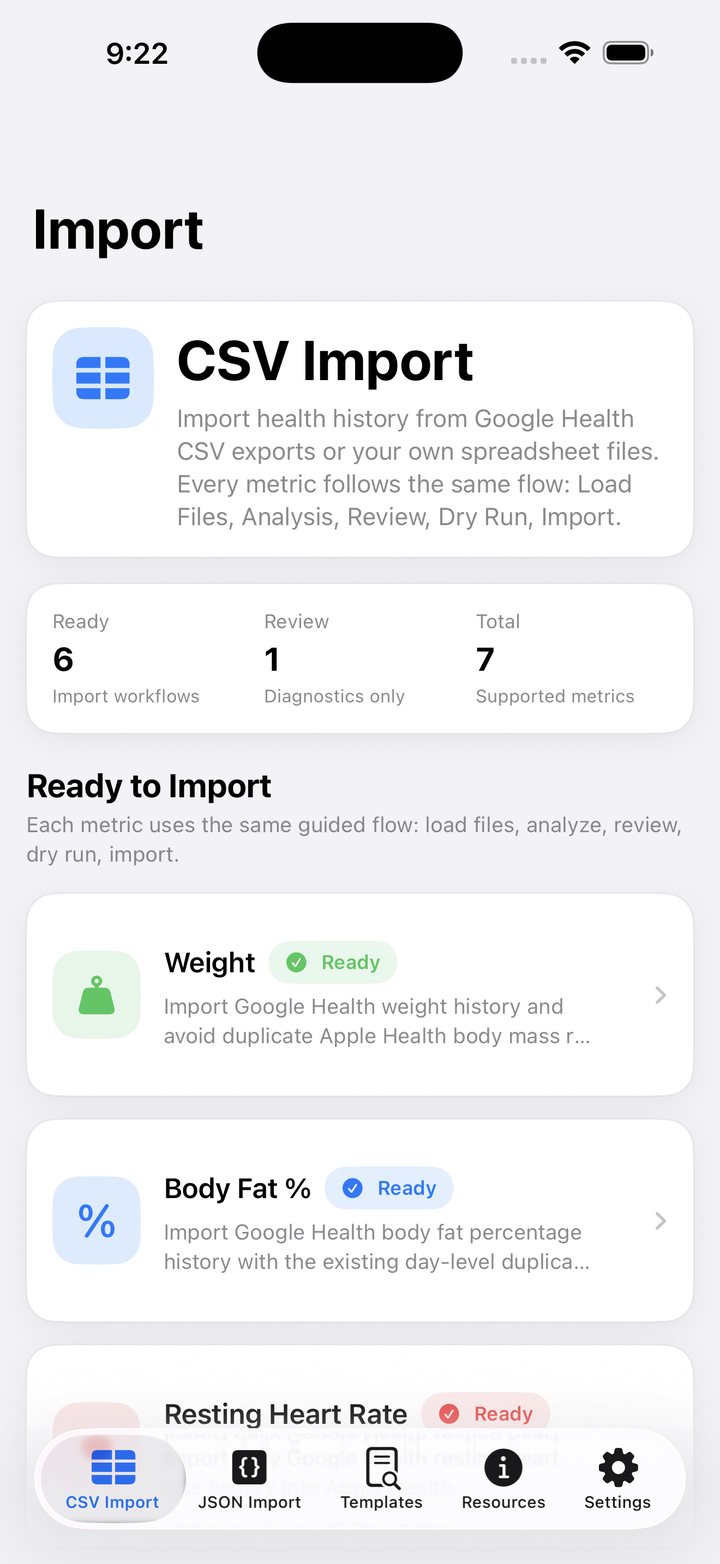
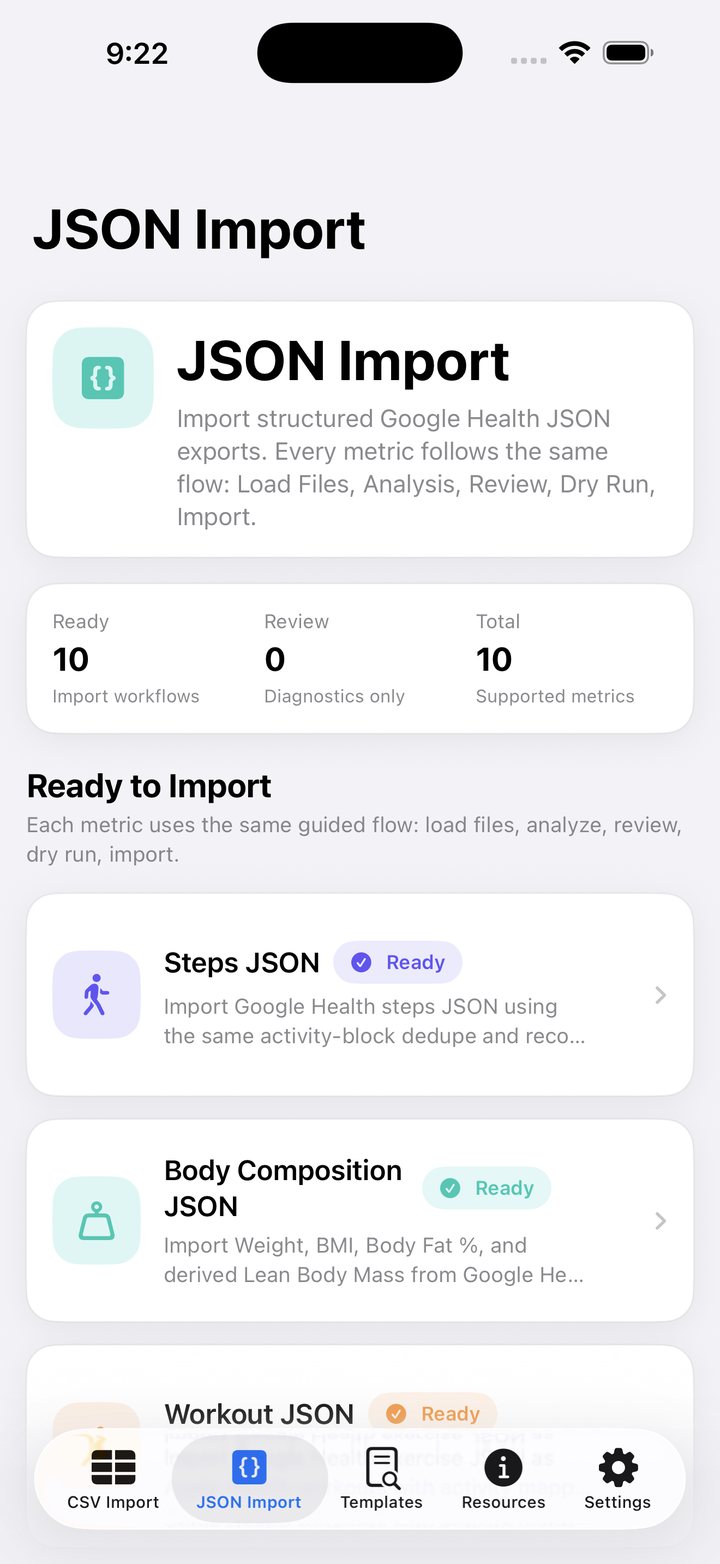
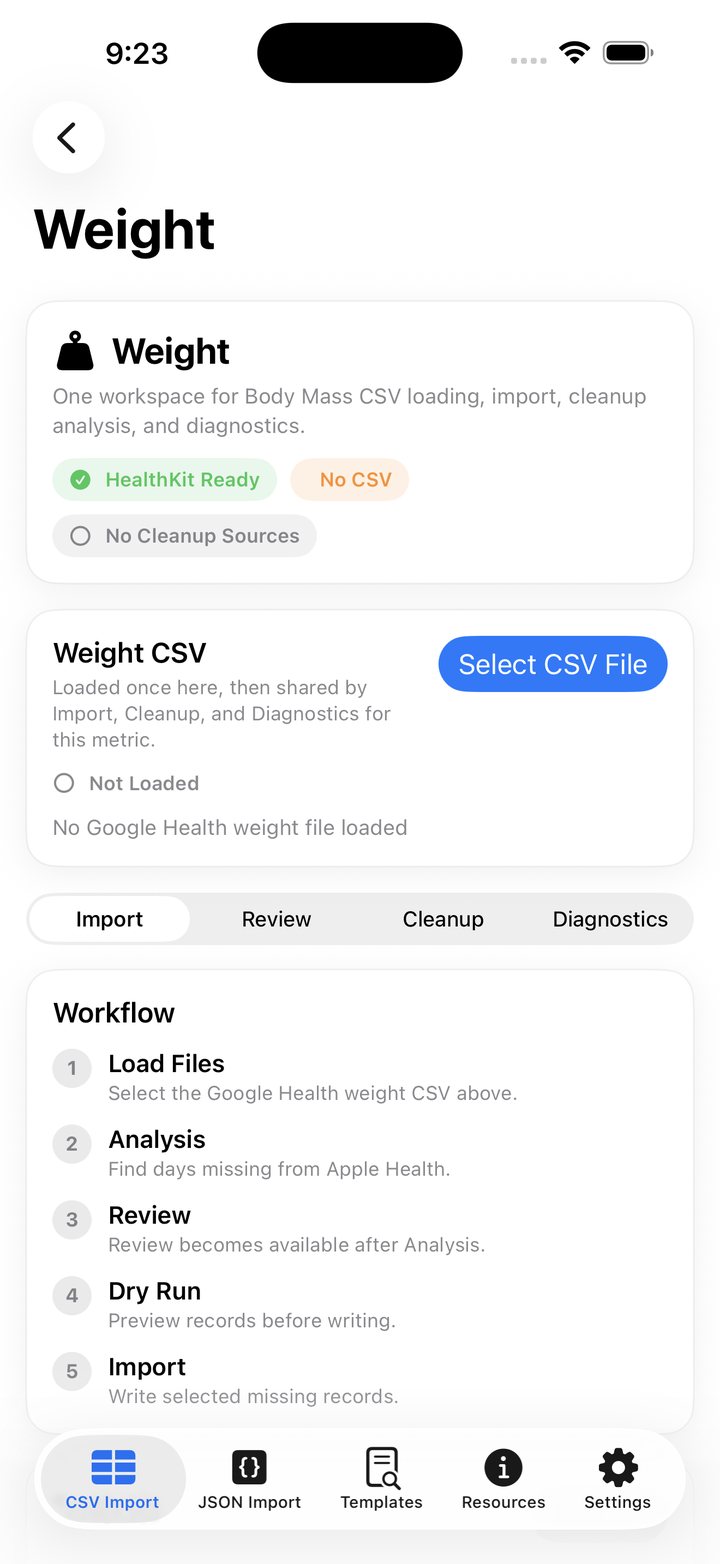
Move historical Google Health and Fitbit export data into Apple Health with a guided Analyze → Review → Dry Run → Import workflow that keeps you in control.
Health export files are analyzed on your device; no HELM Coders account or cloud service is required.
Analyze data, inspect what will import, run a dry run, and now share the exact report before Apple Health is changed.
Weight, body composition, steps, sleep, distance, heart rate, VO₂ max, energy, workouts, hydration, and more.
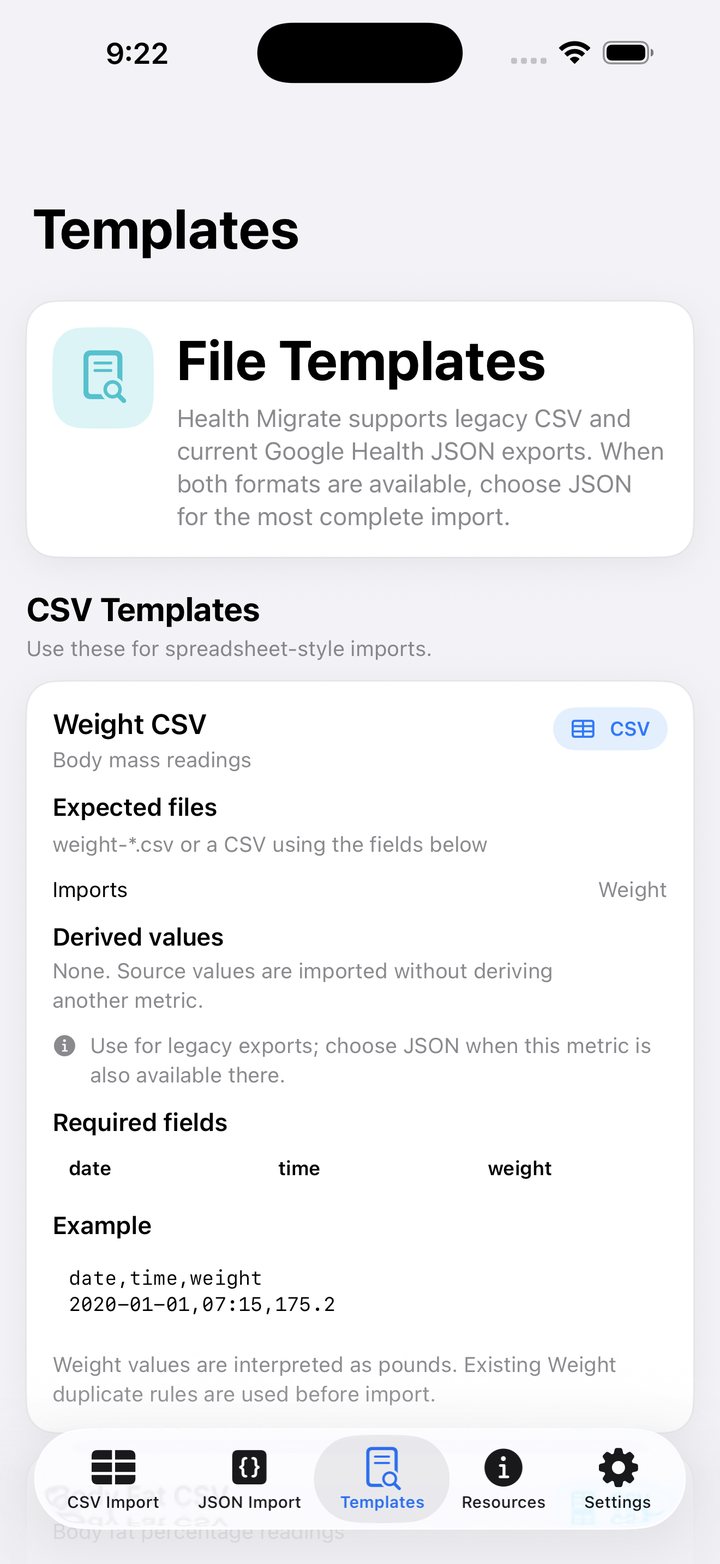
CSV and JSON support with duplicate protection, skip logic, controlled writes, and shareable Dry Run reports.
Health Migrate 1.1 makes it easier to review and keep a record of your migration before importing.
Share, save, AirDrop, email, or print your complete Dry Run report before anything is written to Apple Health.
Share actions use the same report generated during the Dry Run, so the saved copy matches what you reviewed before import.
Version 1.1 refreshes Health Migrate branding throughout the app.
Additional reliability and interface refinements improve the migration workflow.
Analysis, Review, and Dry Run are free. Tokens are consumed only by completed Apple Health writes.
Tell us what happened, which version you’re using, and attach screenshots if helpful.
Get Health Migrate support →Historical health data is processed locally on-device. Apple Health permissions are used only for the types needed for the selected migration.
Read the full privacy policy →Health-data utility with no mature content; final App Store rating is determined by Apple's questionnaire.
View age suitability →