Classic calculator
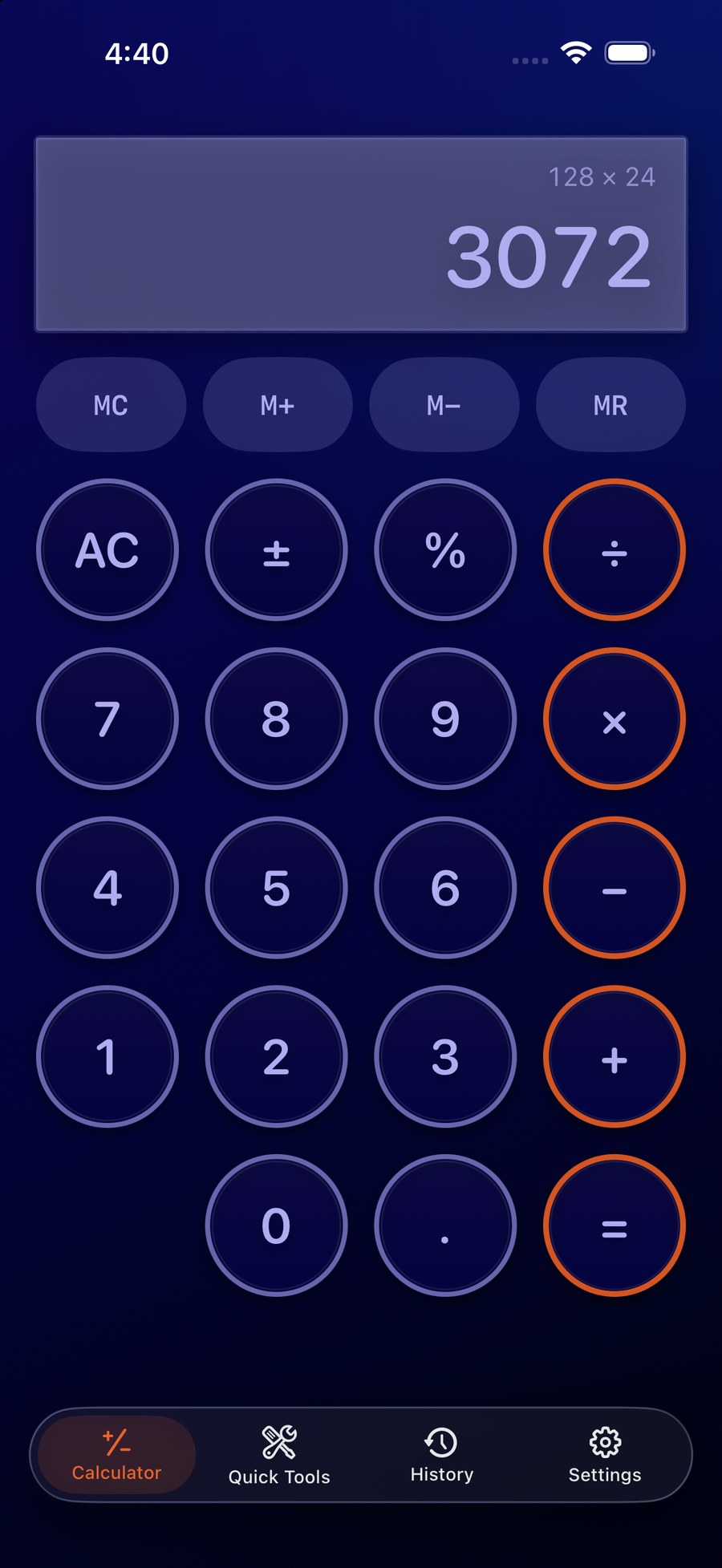
Add, subtract, multiply, divide, work with percentages, signs, decimals, memory controls, chained calculations, and calculation history.


A retro calculator reborn for modern iPhone and iPad, combining classic tactile circular controls with practical everyday Quick Tools.
The large circular controls, tactile feedback, and bold display preserve the personality of the original The iCalculator. Underneath, version 2.0 is a complete modern SwiftUI rebuild for iPhone and iPad.
Add, subtract, multiply, divide, work with percentages, signs, decimals, memory controls, chained calculations, and calculation history.
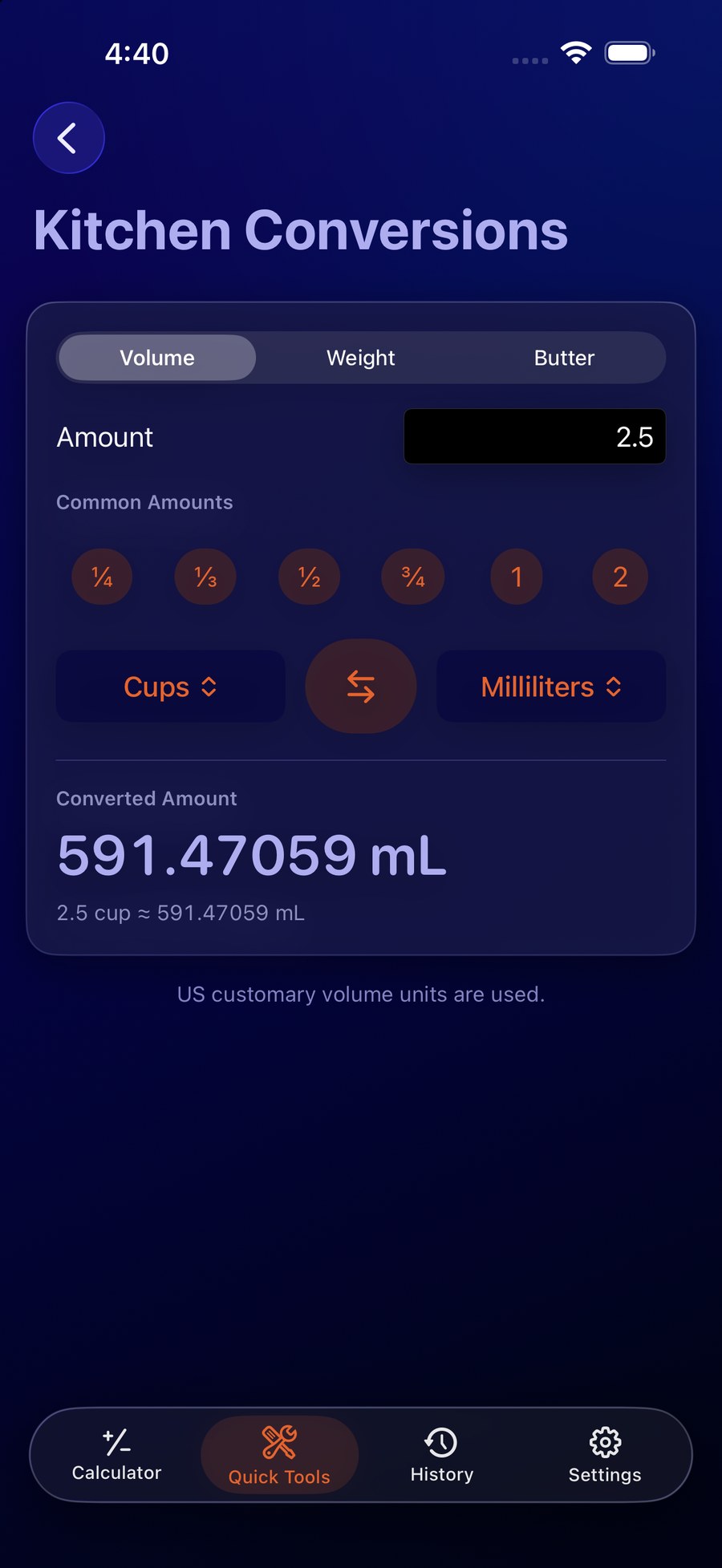
Convert cooking volume, weight, and butter measurements with From/To selection, unit swapping, immediate results, and common amount shortcuts.
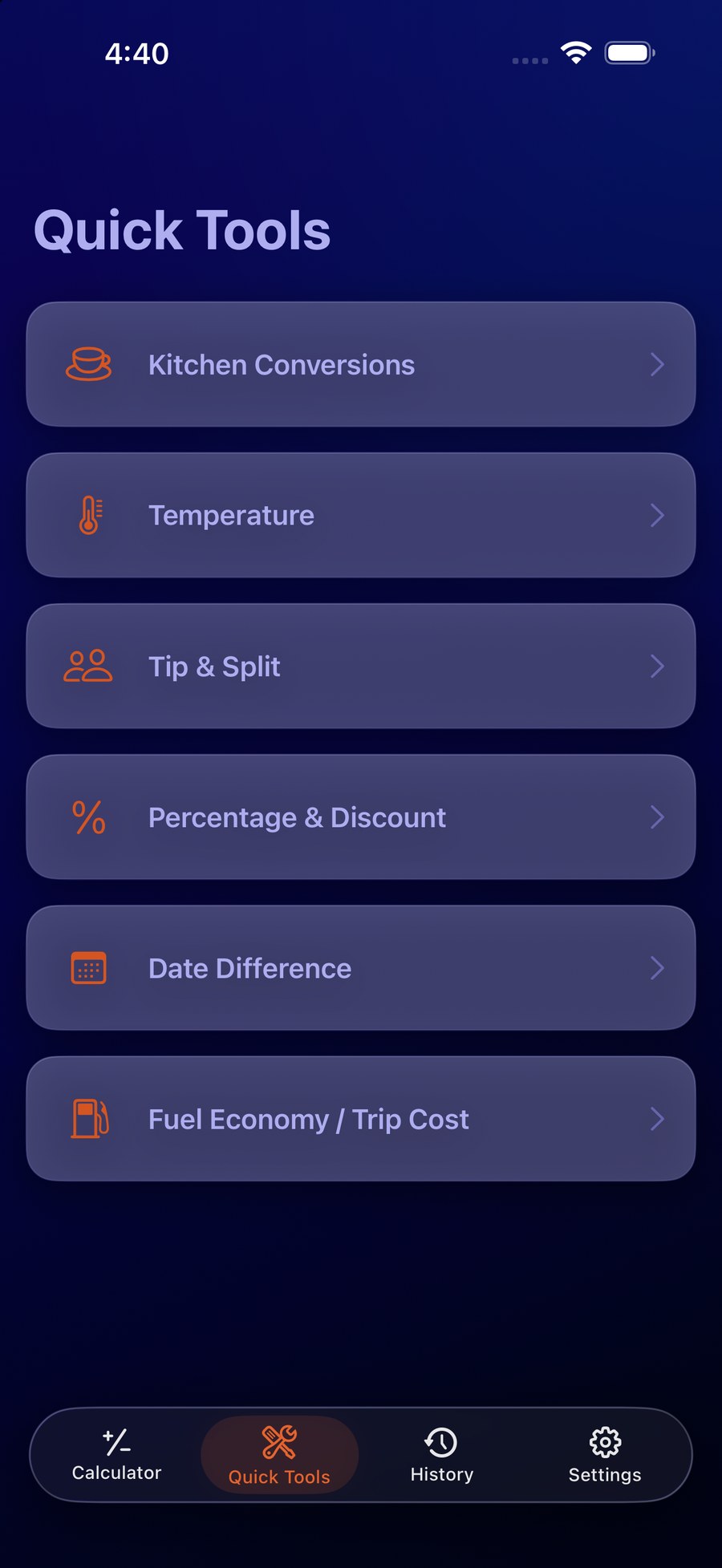
Temperature, Tip & Split, Percentage & Discount, Date Difference, and Fuel Economy / Trip Cost turn common formulas into focused workflows.
Reuse recent results, manage local calculation history, choose appearance, haptics, precision, temperature defaults, and fuel-economy mode.
Volume, weight, and butter conversions for common cooking units, with 1/4, 1/3, 1/2, 3/4, 1, and 2 amount shortcuts.
Instant Celsius and Fahrenheit conversion.
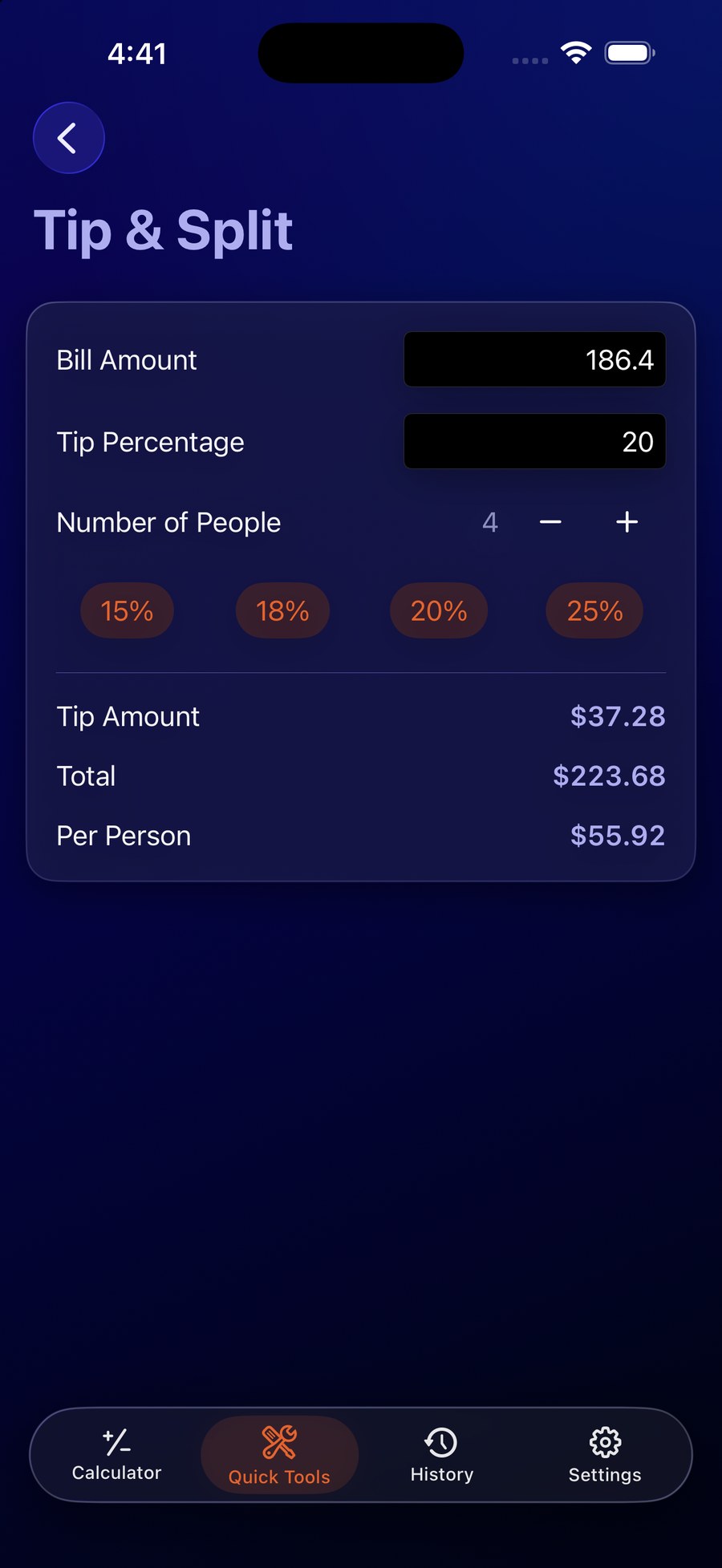
Calculate tip amount, total bill, and amount per person with fast 15%, 18%, 20%, and 25% presets.
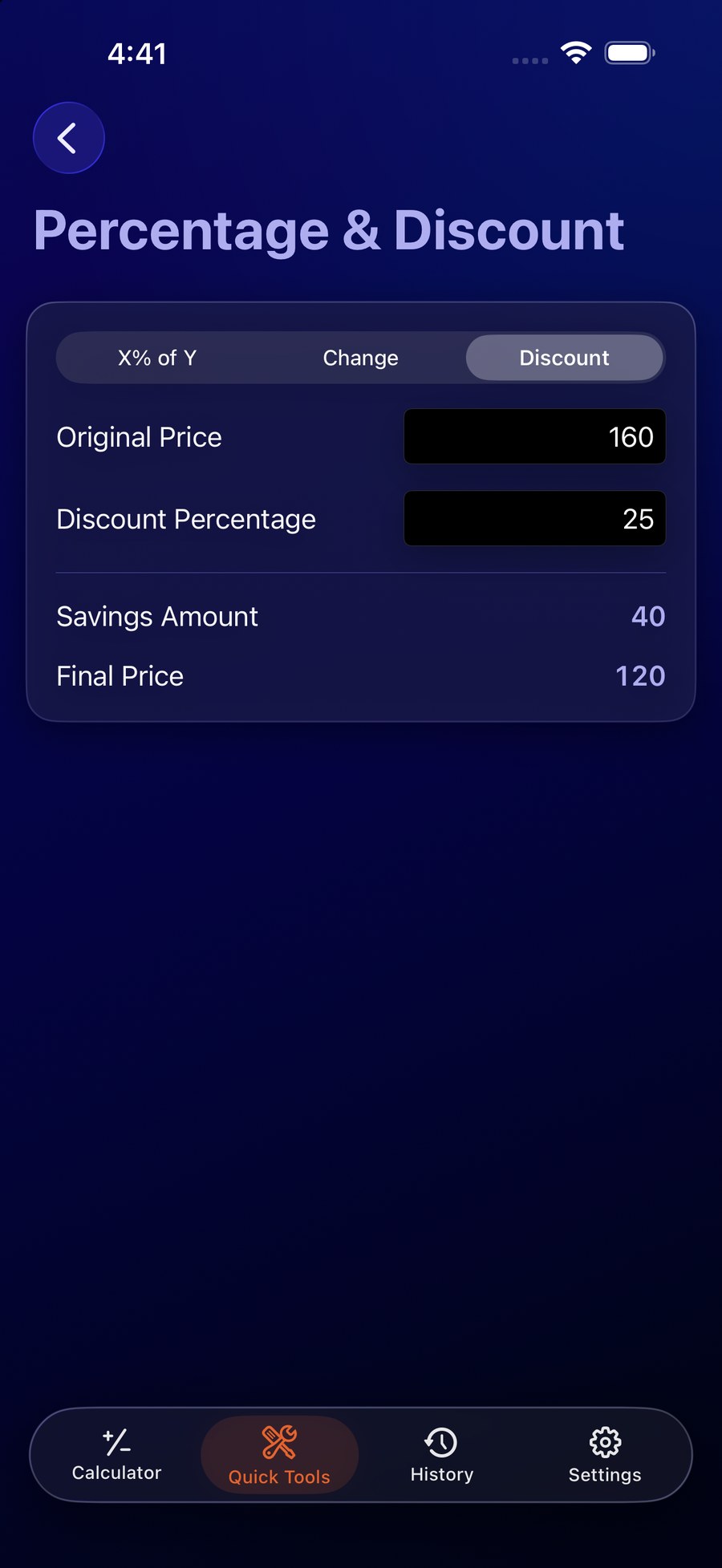
Find X% of Y, percentage change, savings, discounts, and final prices without rebuilding the formula each time.
Compare two dates as total days, weeks plus days, or calendar years, months, and days.
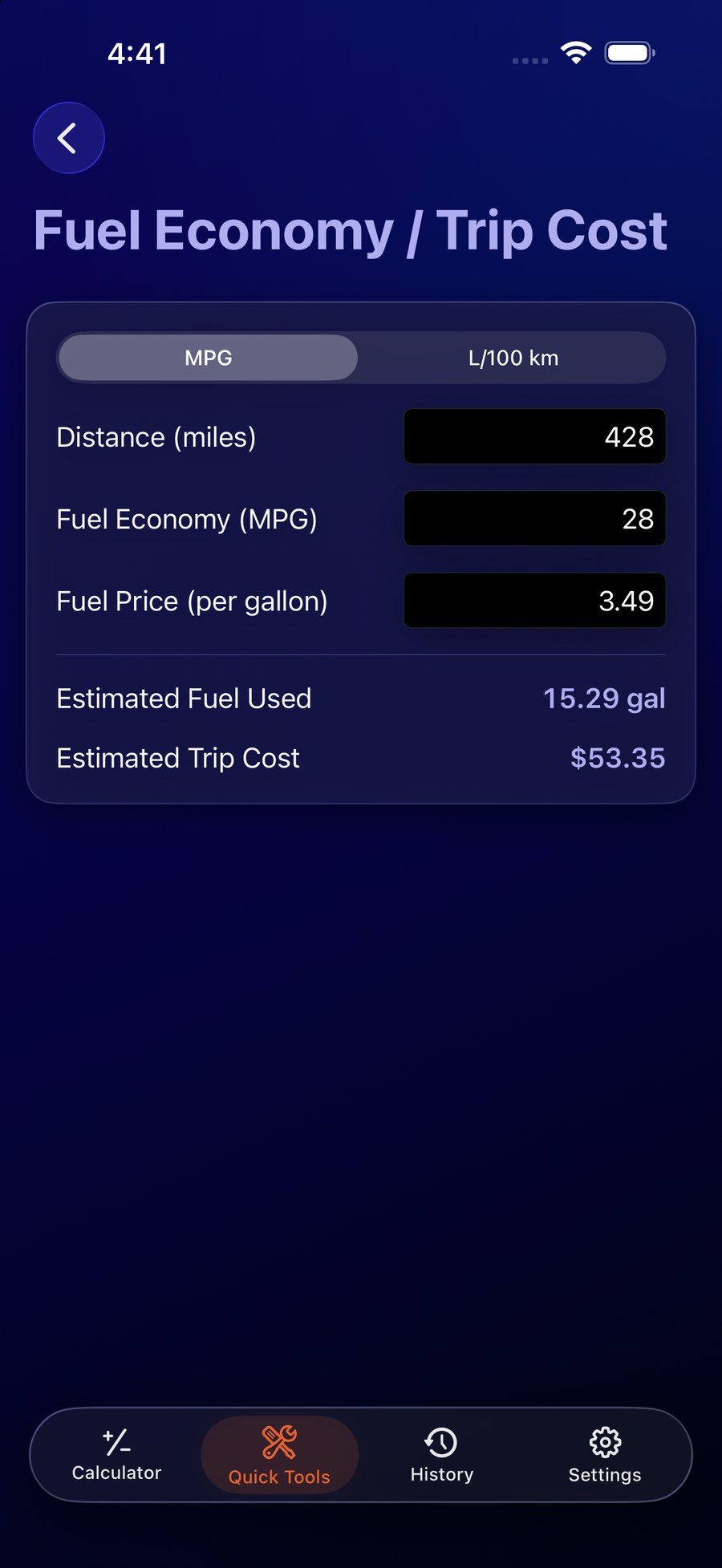
Work in MPG or L/100 km to estimate fuel used and trip cost from distance, economy, and fuel price.
Version 2.1 improves chained calculations, percentages, signs, memory, decimals, error recovery, history precision, conversion validation, localized number entry, Quick Tool navigation, Larger Text, landscape layouts, keyboard controls, and overall readability.
Version 2.0 completely rebuilds the original HELM Coders calculator for modern iPhone and iPad while preserving its distinctive retro circular controls. New calculation history, extensive Kitchen Conversions, Celsius/Fahrenheit conversion, Tip & Split, Percentage & Discount, Date Difference, Fuel Economy / Trip Cost, new settings, English and Spanish localization, and accessibility improvements make this far more than the original calculator. The old-school calculator is back — with a lot more tricks.
No account, login, backend, cloud service, advertising, subscriptions, or in-app purchases in 2.0. Calculations, history, and preferences stay on-device.
Read the full privacy policy →Validated support includes VoiceOver, Voice Control, Dark Interface, Differentiate Without Color Alone, and Reduced Motion.
Read accessibility information →General-purpose calculator and utility with no mature-content categories expected.
View age suitability →